22
SETUP Menu
Navigate through the settings:
To navigate between the different settings, use the and buttons.
Change values of a setting:
To change the values in a given setting, use the + and – buttons.
Save your selection:
Once you have selected a certain value in a setting, pressing either
the or button will save that value.
Exit the SETUP menu:
Press the MODE button at any time to exit the SETUP menu and
return to the MODE menu.
NOTE: If the BirdCam is left in this mode without activity for more
than 4 minutes it automatically goes to AUTO mode (which is
initiated by the 30 second countdown)
SETUP Menu – Settings and Values Explained
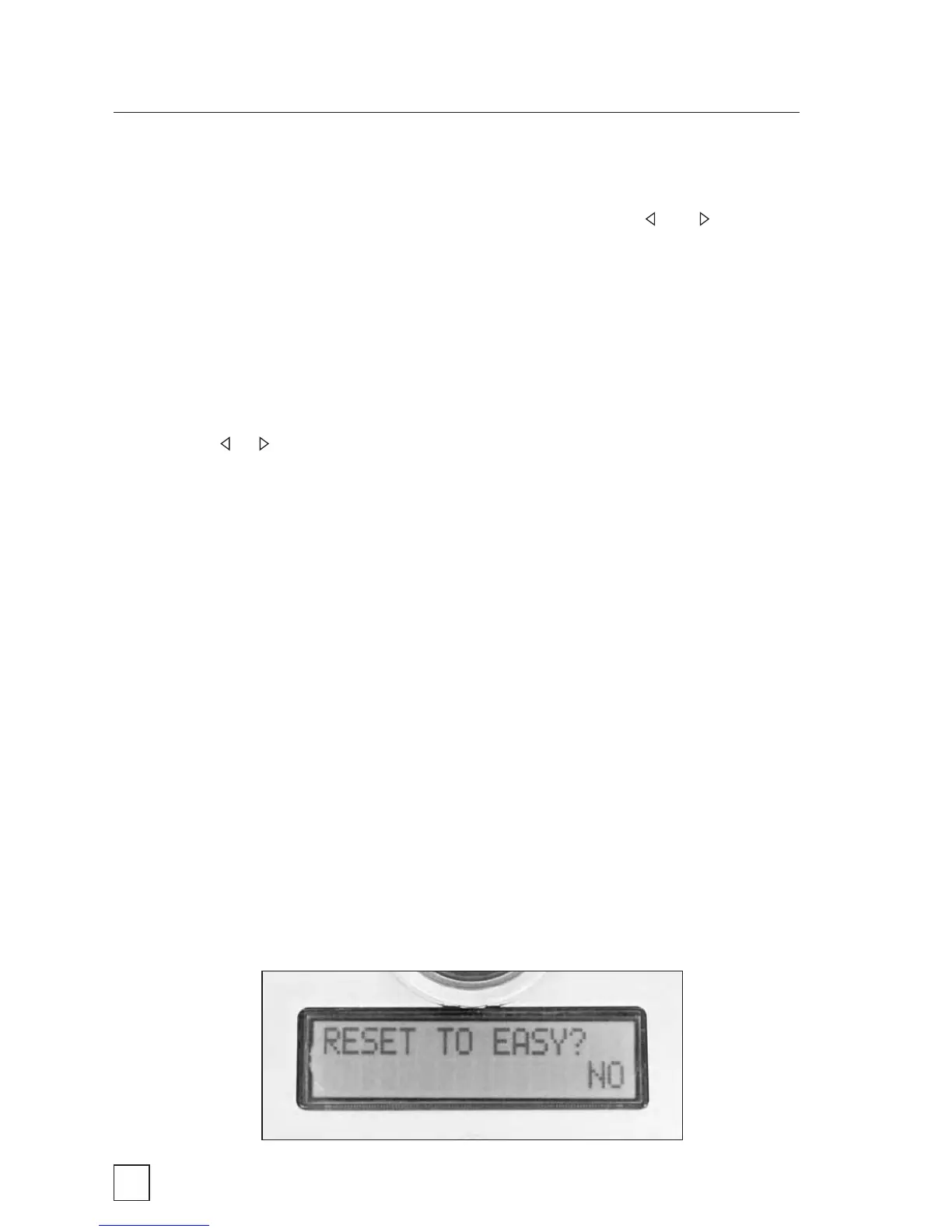
RESET TO EASY?
This setting allows you to reset ALL settings to the factory default.
Three values are available in the RESET TO EASY? setting:



 To Next Page