28
SETUP Menu
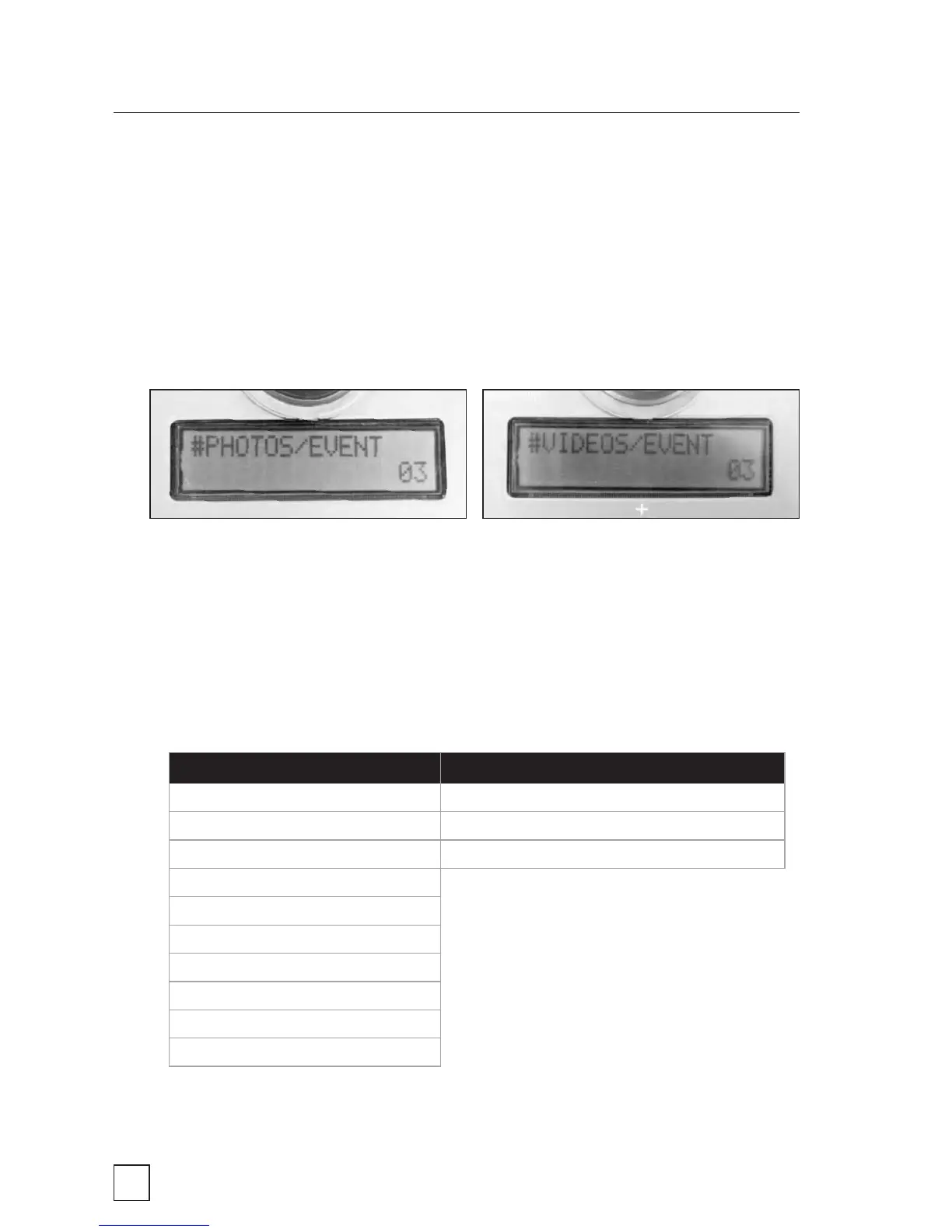
#PHOTOS/EVENT and #VIDEOS/EVENT
This setting allows you to specify how many photos the BirdCam
will take between each delay period. When the PHOTO OR VIDEO?
setting is set to VIDEO, this setting becomes #VIDEOS/EVENT
and the maximum value is reduced from 10 to 3 (see table below).
Recommendation: If you are getting two many images (or too many
empty images), select and lower value for #PHOTOS/EVENT. If you want
more images, select a higher value.
#PHOTOS/EVENT values: #VIDEOS/EVENT values:
01 01**
02 02
03* 03
04
05
06
07
08 *03 is default value for EASY PHOTO
09
10 **01 is default value for EASY VIDEO



 To Next Page