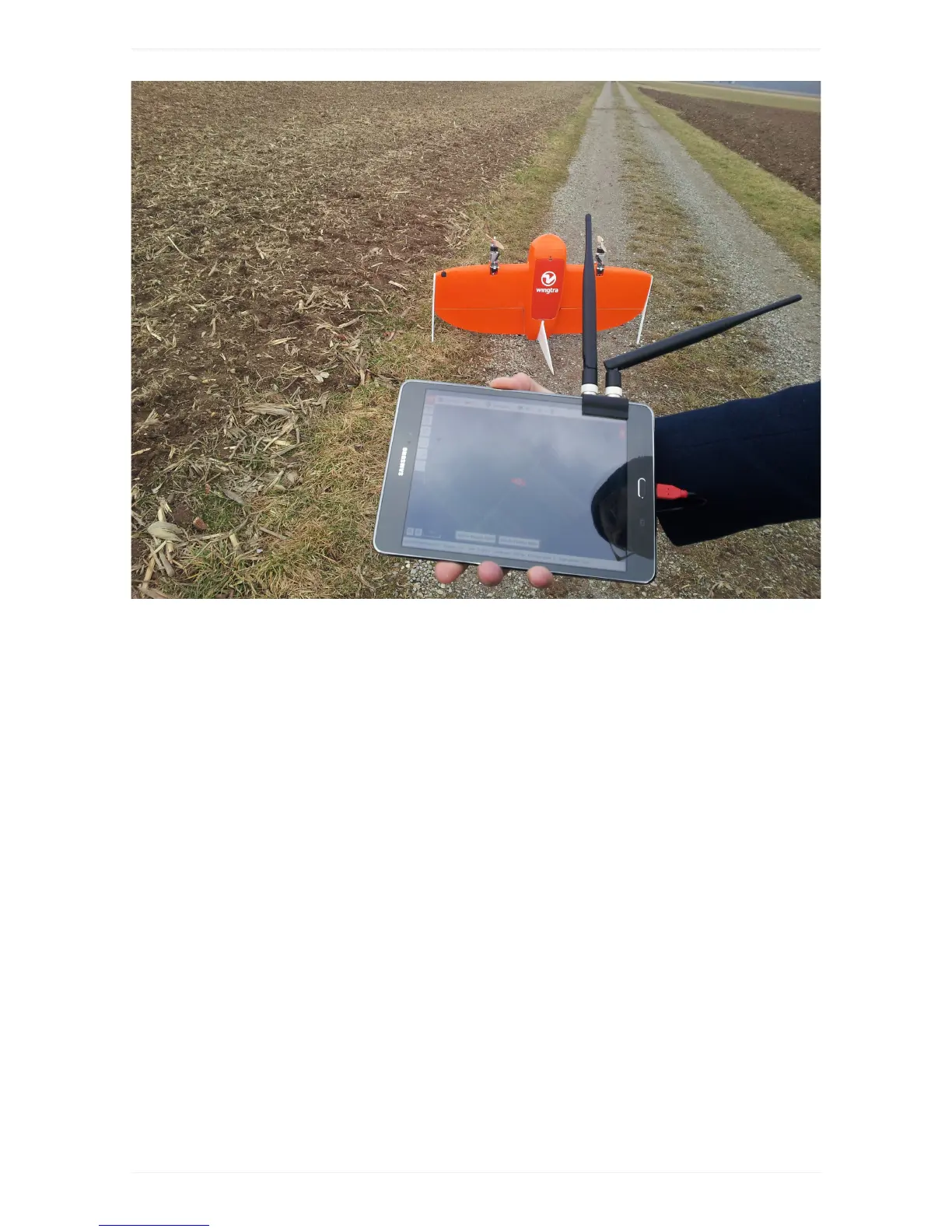
4.PlanyourFlight
Planaflightin4easysteps.Formoredetails,seetheflightplanningchapter.
STEP1CreatenewFlightPlan:
WingtraPilotwillopenwiththewelcomemenu.Forflyingandcollectingdata,selectthefirstitem"Create
anewFlightPlan"andfollowtheinterface.Youcangobacktothewelcomemenuatanytimeby
pressingtheorangeWingtraicononthetopleftofthescreen.



 To Next Page