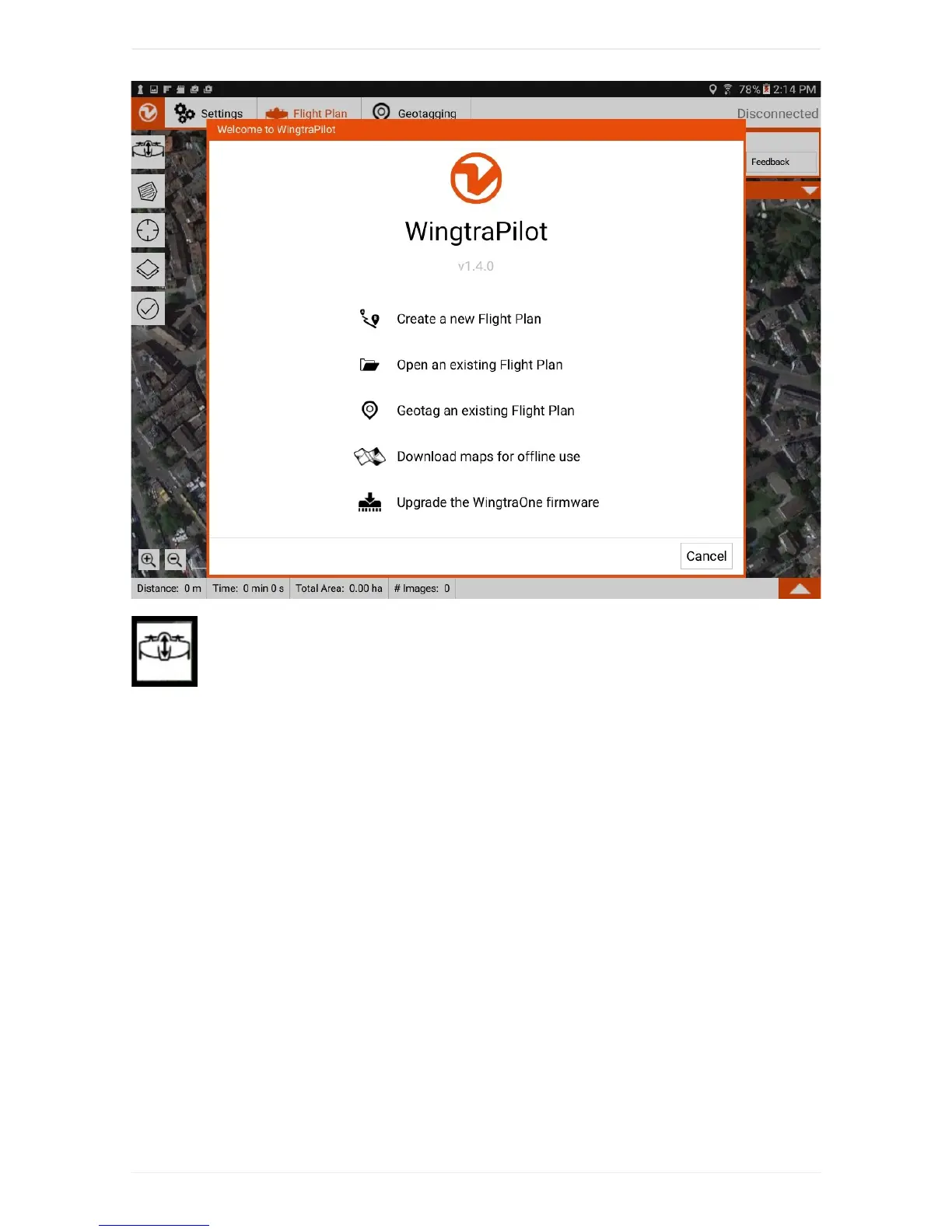
STEP2SetHome:
PlaceWingtraOneatyourdesiredtakeoffandlandingpoint.SetHomeonWingtraPilotbyclickingonthe
firstitemonleftside(A).IfyouareconnectedtoWingtraOne,Homeisautomaticallyplacedto
WingtraOne'slocation.Ifyouplantheflightbeforehandinoffice,youcanmoveittotheplacewhereyou
intendtotakeoff—itwillbeadjustedtoWingtraOne'slocationonceyouareonthefield.Adjust"transition
altitude"and"transitiondirection"ontherightside(C)suchthatWingtraOnewillnotcollidewithany
obstacle.
WingtraOnewilltakeoff,risetoyour"transitionaltitude"aboveHome,transitionintoforwardflight,flyto
thedrawnloitercircle,loiteruptotheareaaltitudeandstartdatacollection.Afterfinishingdatacollection,
itwillflybacktotheloitercircleatthealtitudeofthelastarea,loiterdownto"transitionaltitude",flyback
totheHomepoint,transitionaboveHome,andland.



 To Next Page