9
English HR900
INITIAL OPERATION
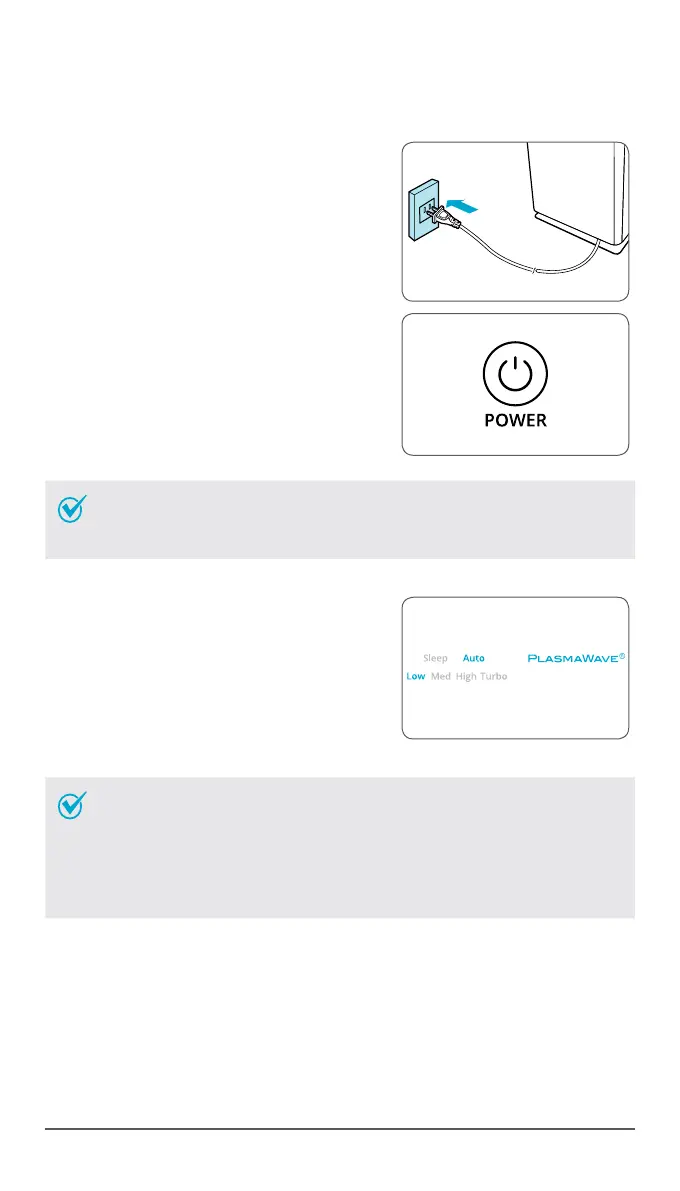
1
Insert the unit plug into an electrical outlet.
•
The Control Panel lights will turn on and
off.
2
Press the 'Power' button.
NOTE
•
During the first 4 minutes of power up, the Air Quality light
will flash as the Smart Sensors measure the air quality in the
environment, after which normal operation will begin.
•
By default, when the unit first powers on, the
mode will be set to Auto with PlasmaWave
®
enabled.
•
When in Auto Mode the fan speed will
be automatically adjusted according to
the environments air quality.
•
PlasmaWave
®
works to remove harmful
airborne contaminants.
NOTE
•
In Auto mode, as the indoor air quality improves, the fan
speed will automatically be reduced to Low.
•
When the unit is running, you may hear a chirping or buzzing
sound. The sound is from large particles passing through
PlasmaWave
®
, it is normal and does not signify product
failure. To disable PlasmaWave
®
, see page 11.



 To Next Page