®
• In Auto mode, as the indoor air quality improves, the fan
speed will automatically be reduced to Low.
When the unit is running, you may hear a chirping or buzzing
sound. The sound is from large particles passing through
PlasmaWave
®
, it is normal and does not signify product
Air Quality Indicator
• Air quality level is displayed on the indicator, based on the
Particle Sensors. Depending on the immediate
the indicator may change frequently in color or stay the
same for lengthy periods of time.
5.
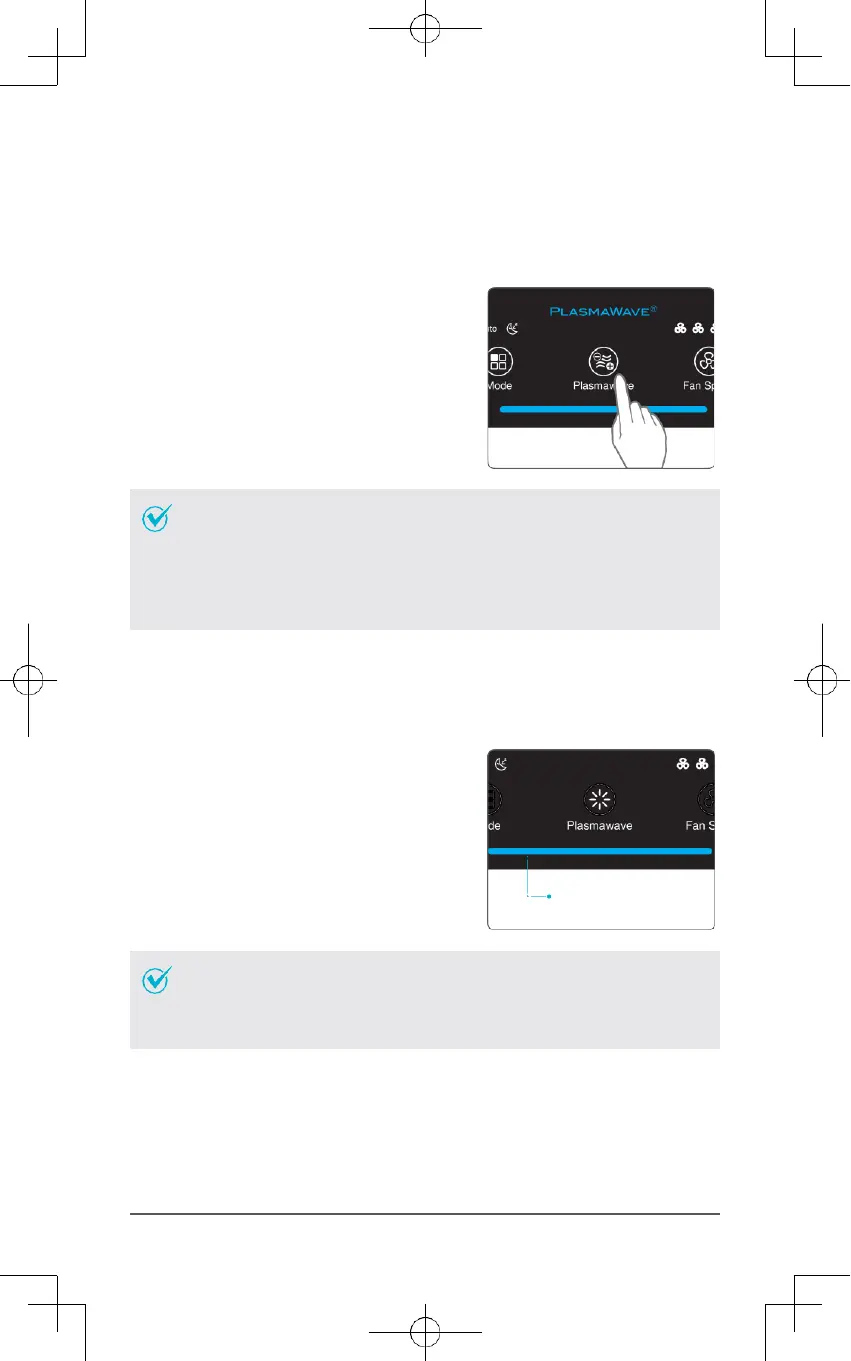
PlasmaWave
®
By default, PlasmaWave
®
is enabled whenever the unit is powered on.
①
Press the Plasmawave button, when the unit
is on, to enable or disable this feature.
6.
Air Quality Indicator
When on, the LED light will indicate the current indoor air quality according to three
levels: BLUE (good), AMBER (fair), RED (poor).



 To Next Page