6.3.4 Delete key
Prerequisites:
n User is in the Key menu.
n Key no longer has any locking authorisations.
–
Ä
Chapter 6.4.5 “Issue and withdraw locking author-
isations” on page 78
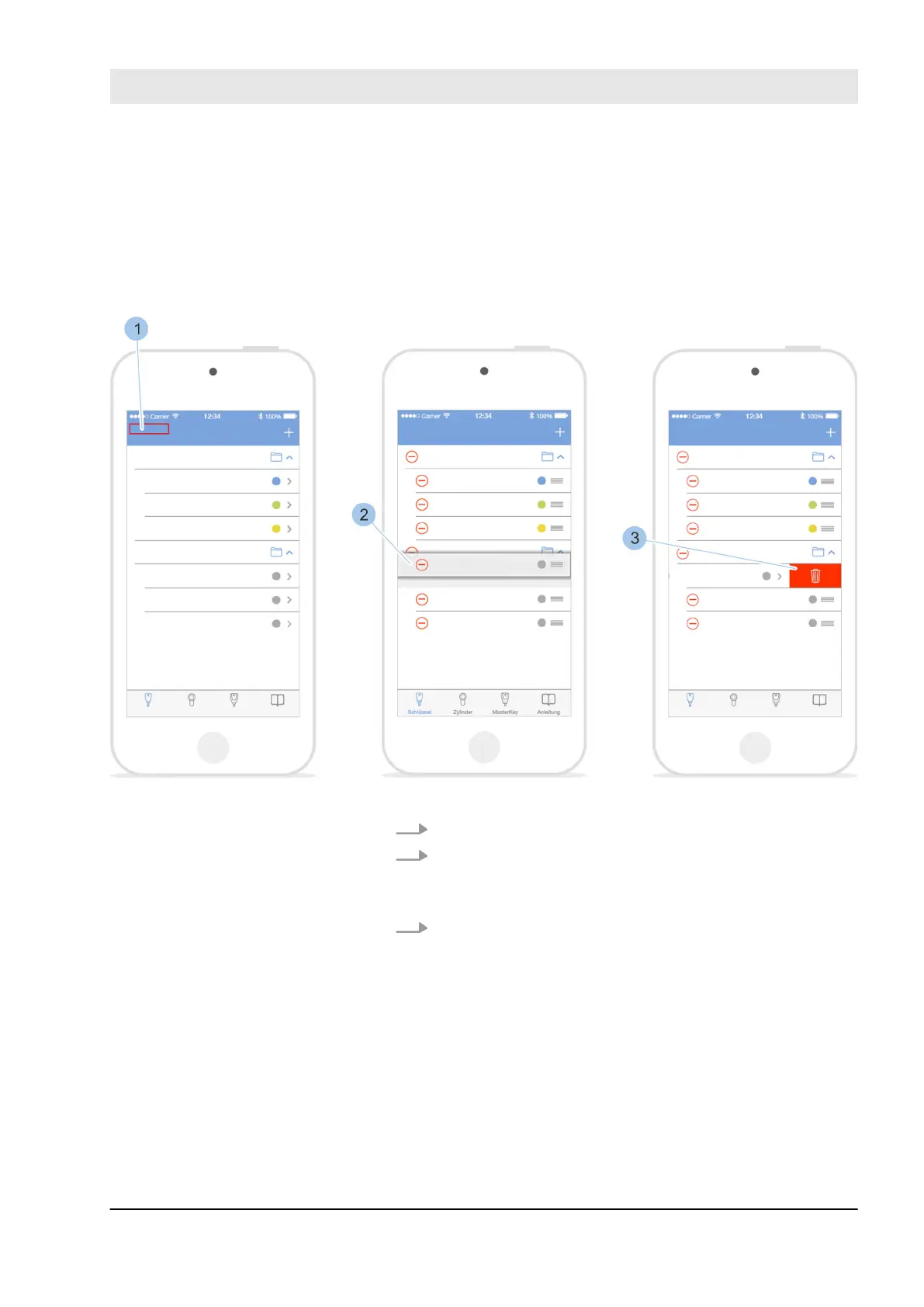
Fig. 54: Manage key
1. Touch Edit (1).
2. Swipe to the left in the row for the key (2) which is to
be deleted.
ð
The Delete (3) symbol is shown.
3. Touch the Delete (3) symbol.
ð
The key is deleted.
Manage locking system
23.05.2018 blueCompact Electronics locking system 73



 To Next Page