32
WINYCAM LOG
How to use
How to use
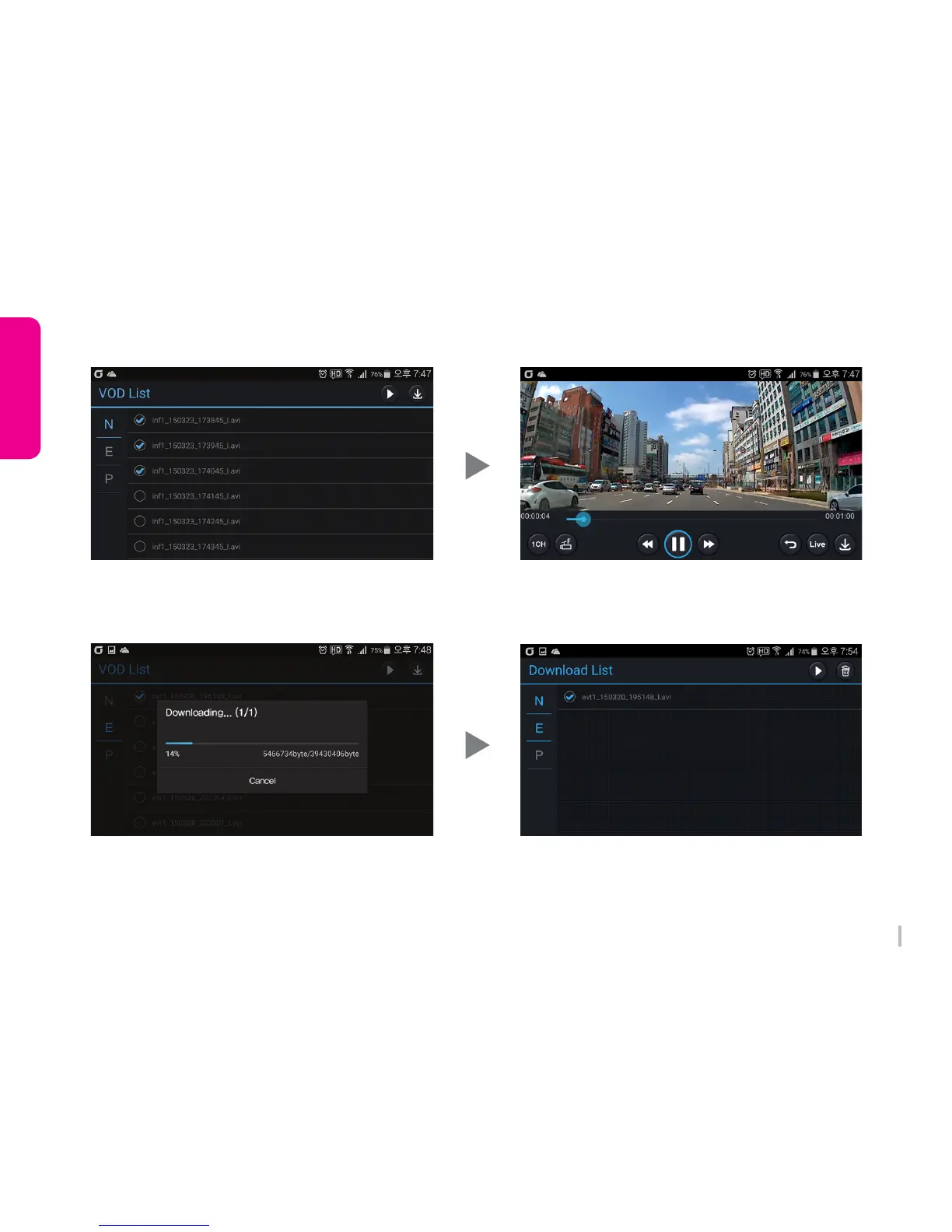
5. VOD view
Select a number of files, consecutive playback is
available. REC video playback after selecting a file
and press ‘Playback’ on the top
7. Download view
Select the files and press ‘Download’ on the top,
then REC video can be downloaded to Smartphone.
Select a number of files, consecutive download is
available.
6. VOD Screen
REC video shows.
Front/Rear change is available.
8. Download List
Downloaded REC file list shows.
After selecting files, playback and delete REC video
files are available.



 To Next Page