33
WINYCAM LOG
How to use
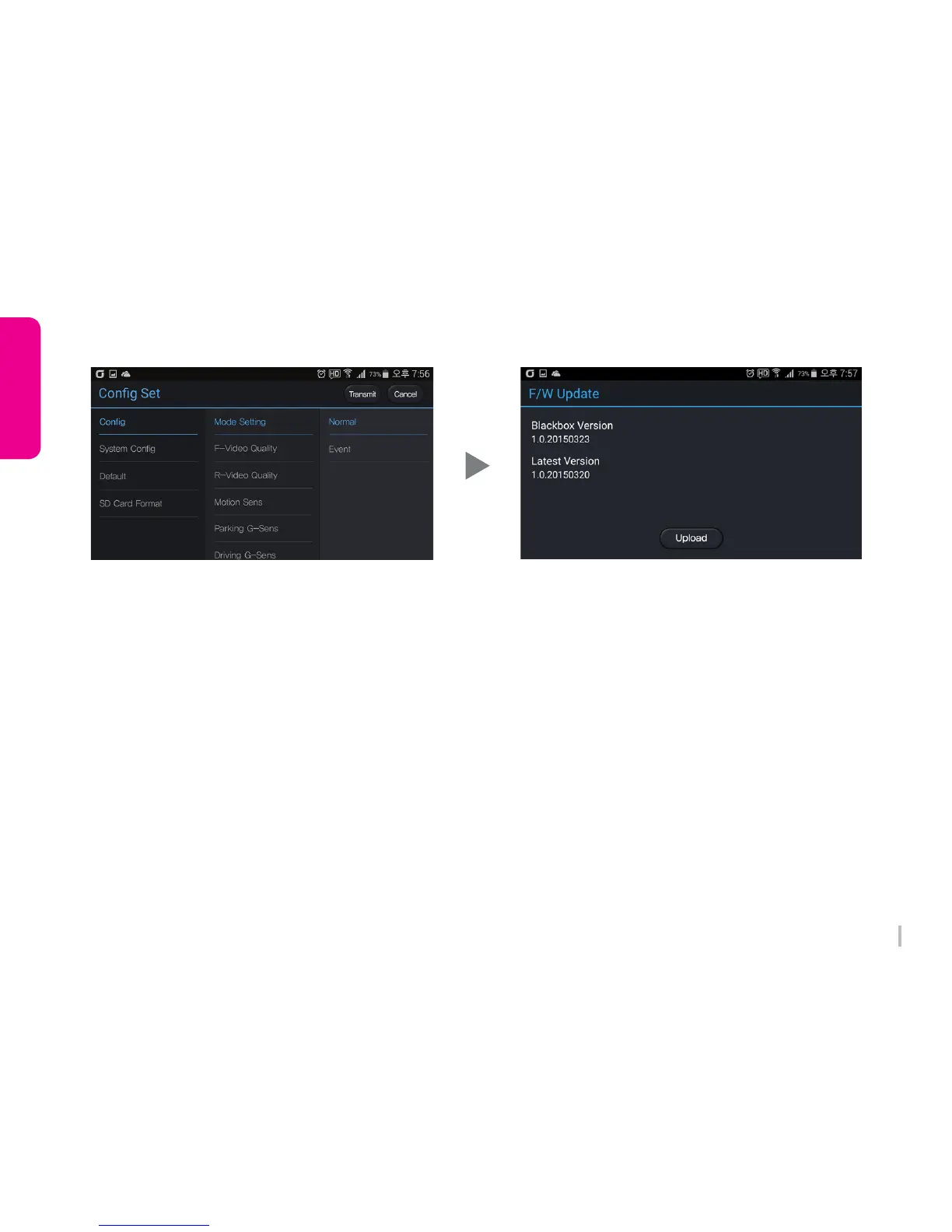
9. System Configuration (black box)
Black box configuration shows.
Change or initialize the setting, please press
‘ Transmit ’ button.
SD Card format is available in real time.
10. F/W Update
The device firmware version shows.
Available to upgrade firmware version if the device
firmware is lower than the latest one.



 To Next Page