02
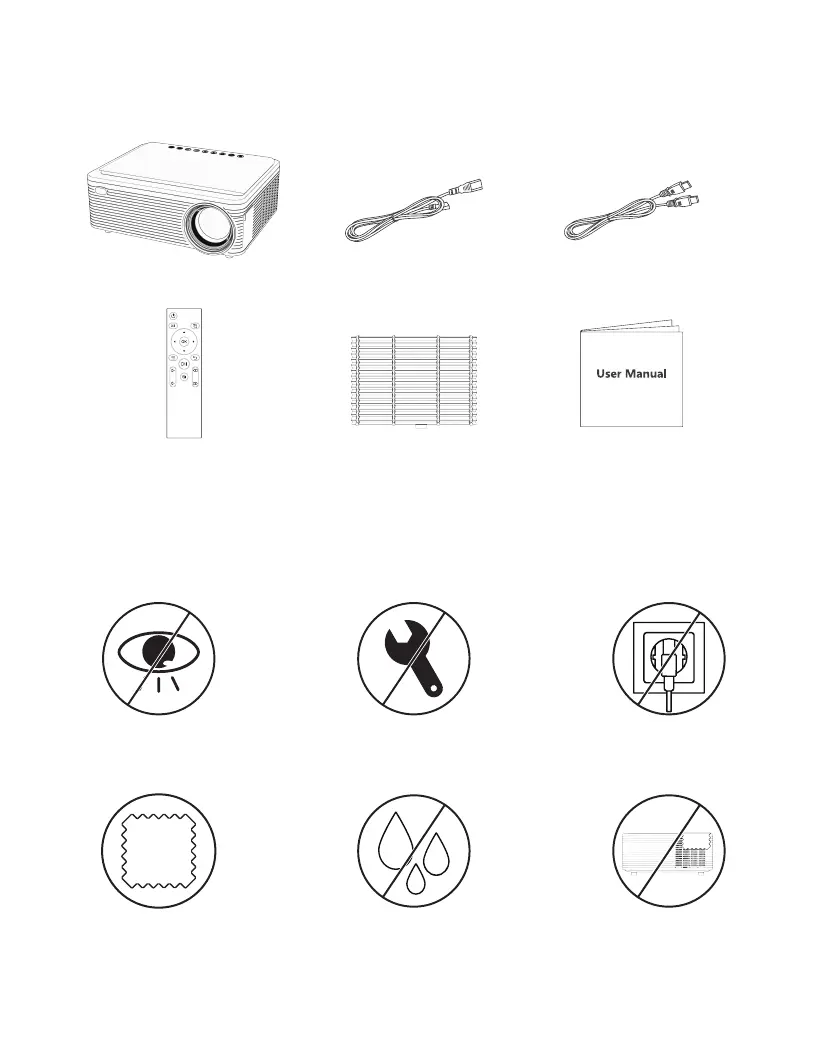
1.PACKING LIST
HDMI CablePower Cable
Spare Dust Filter User Manual
Projector
(Batteries Not Included)
Remote Control
Please use a dry soft cloth
to wipe the projector.
Do not place the projector
in a damp environment to
avoid electrocution.
Do not cover the vents on
the side of the projector.
Do not look at the lens while
the projector is working.
Unplug the power cord if
the projector is not used
for a long time.
Must be disassembled by a
technician to ensure its
normal operation.
2.WARNING


 To Next Page