9.5 Removable disk drive appears, all the files can be accessed in the folders “VIDEO” and
“PHOTO” .
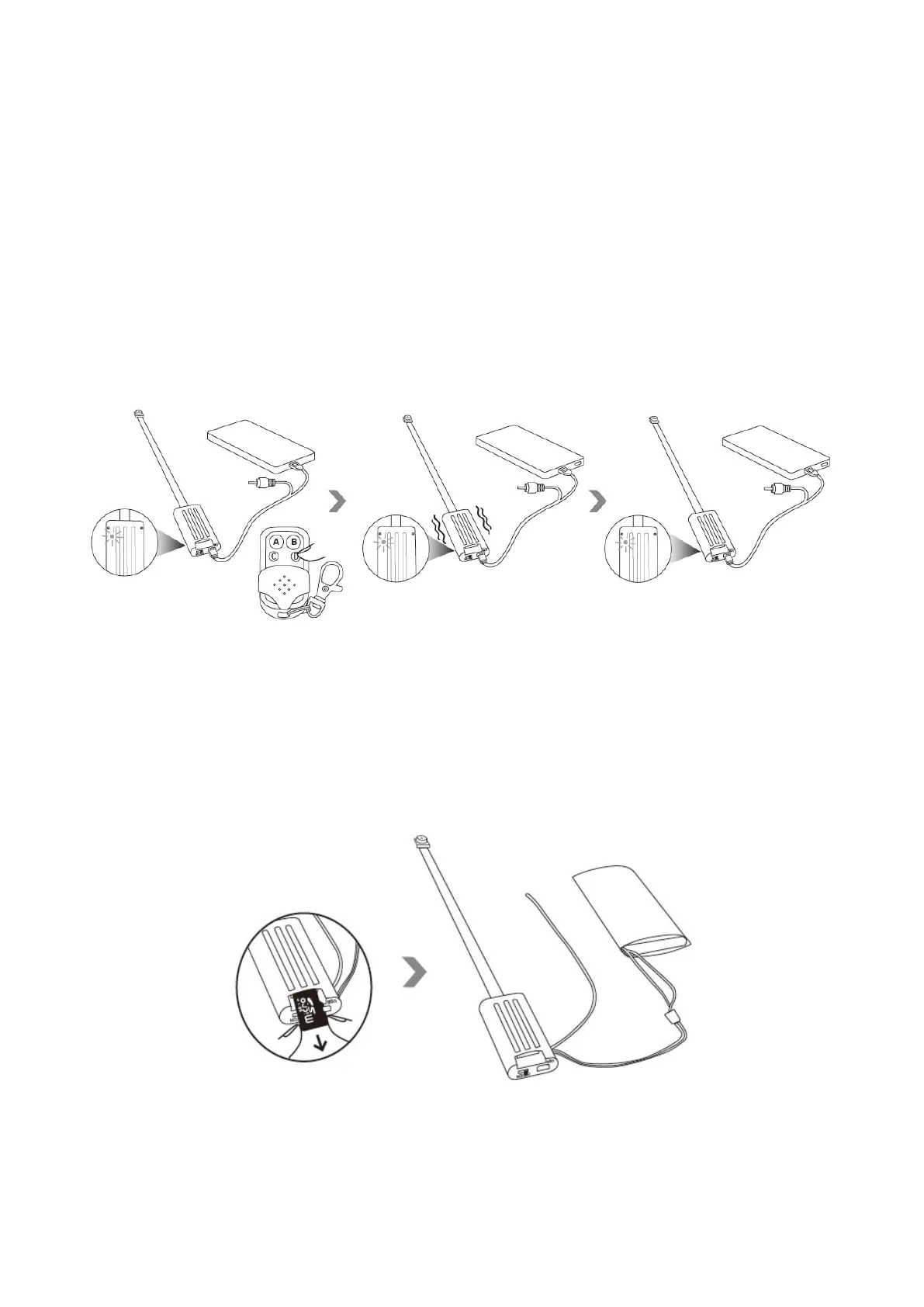
X. Format the memory card
Hold down the button D for about 5 seconds to format the memory card. The camera will vibrate 4
times.
XI. Charge the backup battery
11.1 Take out the memory card, connect the battery to the camera.
11.2 Slide the power switch to the position “ON”.


 To Next Page