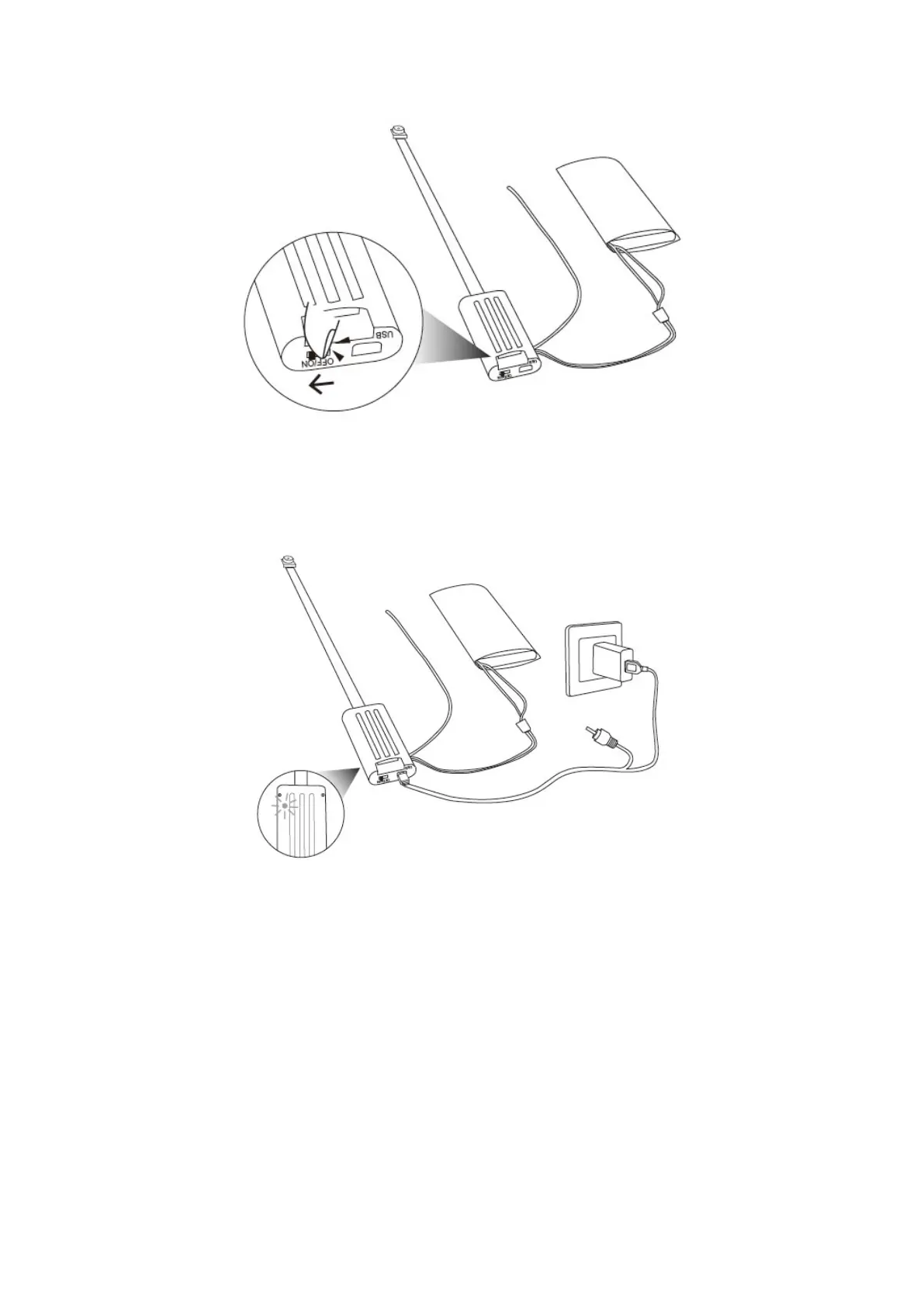
11.3 Plug the camera onto an external power socket with the DC5V 1A USB charger adapter and the
USB cable. The red indicator light will be solid on during the charging process. The red indicator light
will go off after the battery is fully charged.
Note: we suggest you to charge the battery no more than 6 hours even if the battery is not fully
charged.
XII. Important notes
12.1 Each video clip will be generated and saved every 5 or 1 minute automatically.
12.2 Video resolution: 1920x1080 or 1280x720; video format: AVI; image pixels: 4032x3024.
12.3 The operating battery life time is about 8 hours on a full charge.


 To Next Page