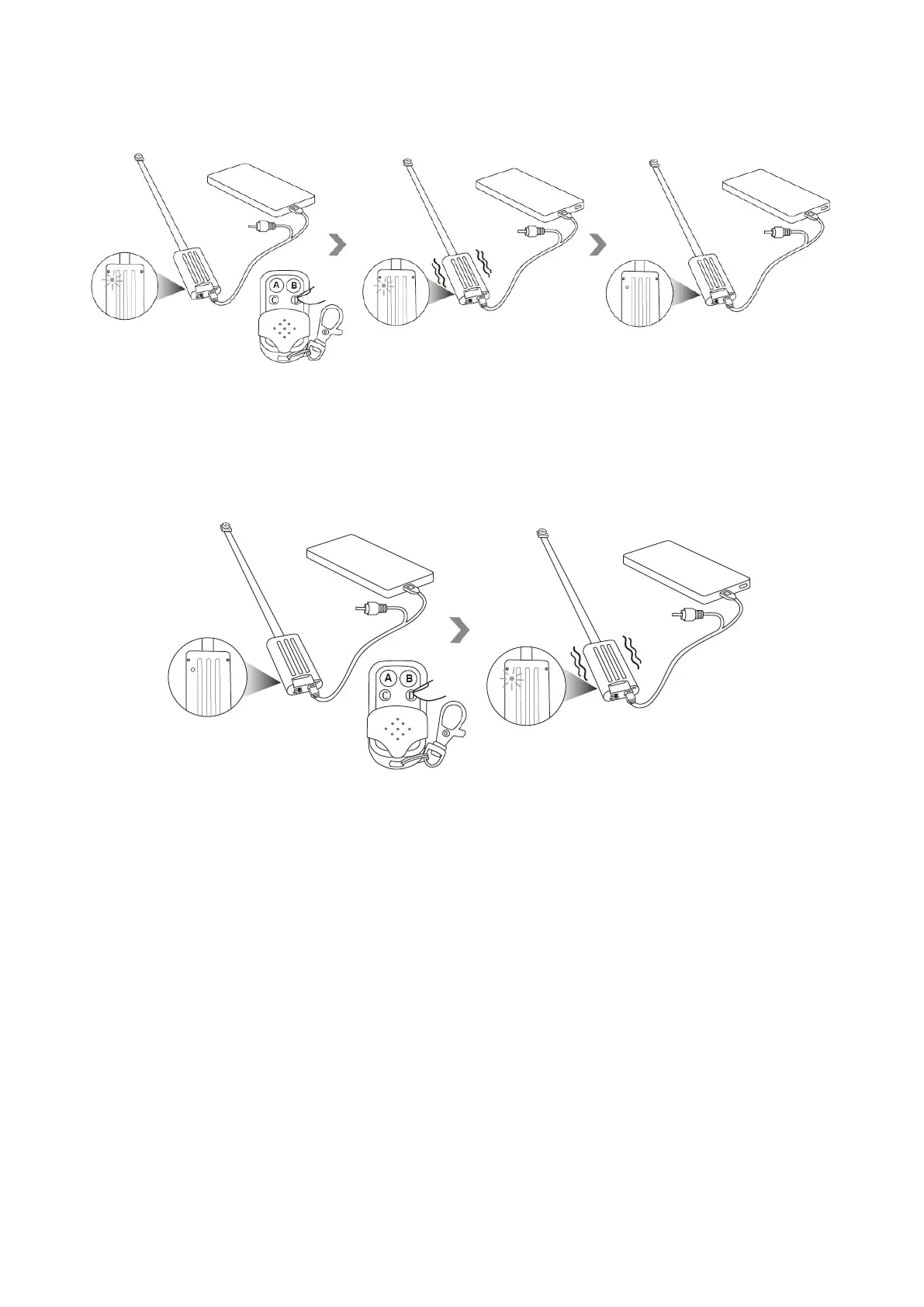
7.2 Press button D once again to exit motion detection mode. The camera will vibrate twice, the red
indicator light will be solid on.
Note: the video resolution in the motion detection mode cannot be changed, the default video
resolution is 1280x720 in the motion detection mode.
VIII. Set date and time stamp
8.1 Turn off the camera, take out the memory card.


 To Next Page