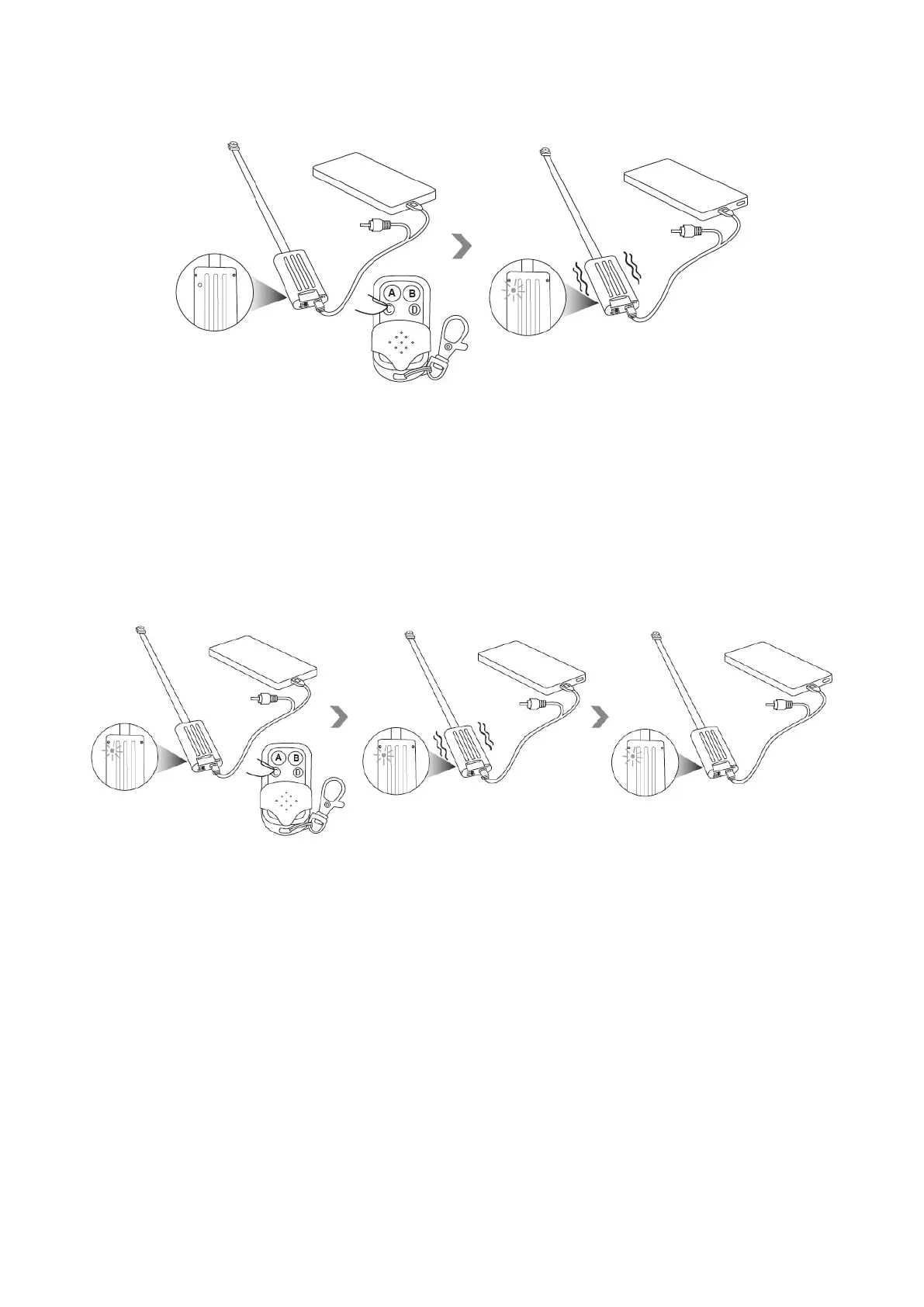
VI. Photographing
6.1 Press button C once to take a photo. The camera will vibrate once, the red indicator light will
flash once and then be solid on.
VII.Motion Detection
7.1 Press button D once to enter into motion detection mode, the camera will record video
automatically when motion is detected. The camera will vibrate 3 times, the red indicator light will
flash 3 times and then go off.


 To Next Page