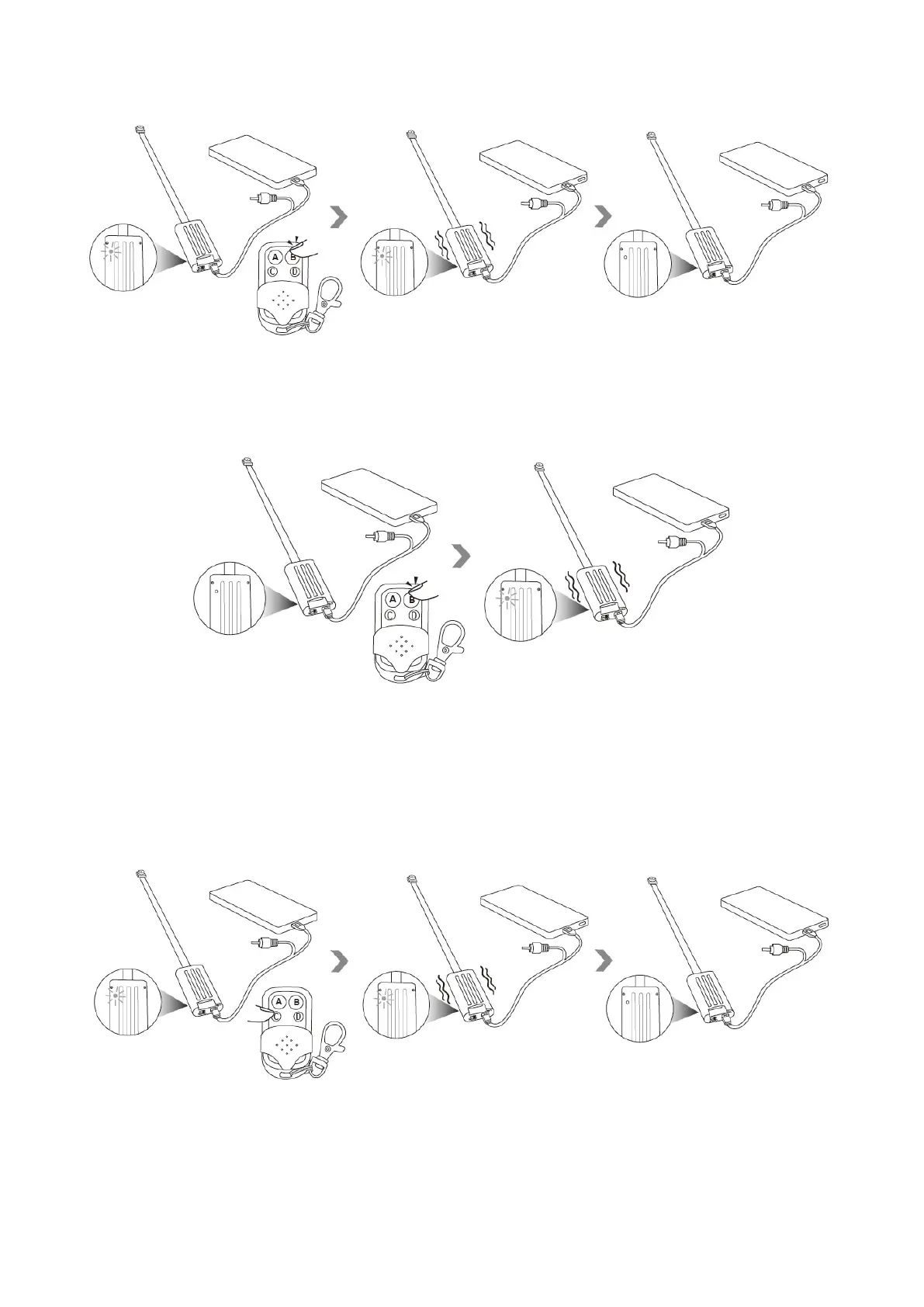
5.1.2 Press button B once again to stop video recording. The camera will vibrate once, the red
indicator light will be solid on.
5.2 Record video in 1920x1080 HD resolution
5.2.1 Hold down the button C for 3 seconds to record video. The camera will vibrate 3 times, the red
indicator light will flash once and then go off.
5.2.2 Press button c once to stop video recording. The camera will vibrate once, the red indicator
light will be solid on.


 To Next Page