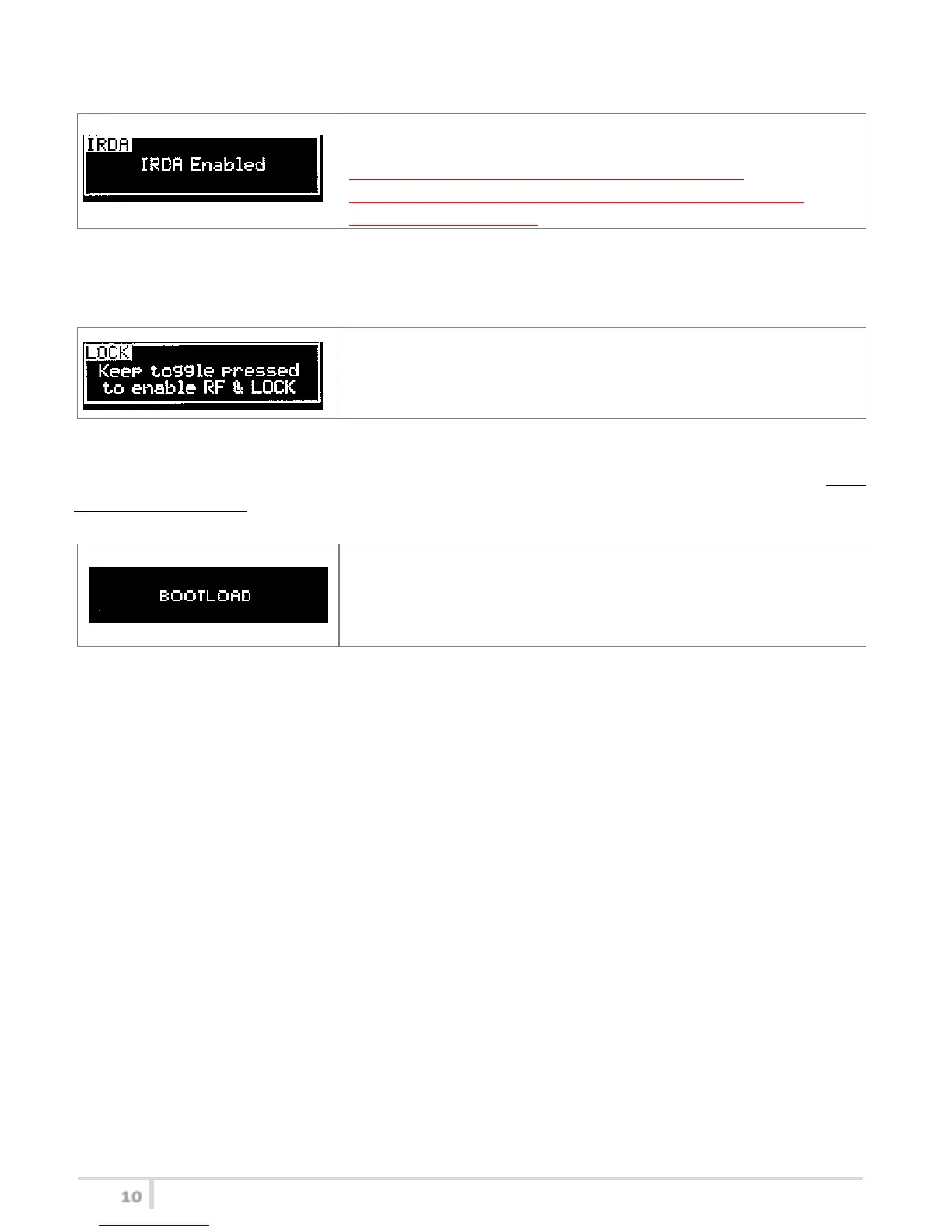
<IRDA> menu
This menu can be entered by scrolling selector.
While there is this menu, the device can be connected to IRDA for
setup or firmware upgrades.
Note: if the IRDA interface is enabled and there’s no
communication for around 10 seconds, the IRDA interface is
automatically turned off.
On power on the device, the IRDA interface is enabled for 14 seconds.
<LOCK> menu
This menu can be entered by scrolling selector.
Long pressing (2 sec.) selector button (click) it locks MTP41 in
transmission mode.
To unlock, long pressing (2 sec.) selector button again.
<BOOTLOAD> menu
This menu can be entered by turning on the transmitter while pushing at the same time both quick
channel setup buttons (<ch> & <gain>) or connecting the device via IRDA using the IR Programmer for
FW update
Device is forced in bootloader mode to allow FIRMWARE UPDATE.



 To Next Page