LED INDICATIONS
Led indication with bi-colour led (red & green) on front ❷:
- Wireless transmission status: green when RF transmission power is on (on power on the
device, this LED is red and become green when the RF transmission power is on).
- Battery status: green steady, slowly blinking (< 25%), quickly blinking (<12%).
- Modulation peak (if activated): red.
- PTT status: red if active (push to talk “pushed”).
BATTERIES
MTP41 is working with 1 AA alkaline or NiMH or Lithium batteries (select correct type on setup
controls). Battery status can be checked on internal OLED display or looking the LED status on front
❷.
BATTERY SUBSTITUTION
Open transmitter cover and insert the battery following polarity indicated.
ANTENNAS
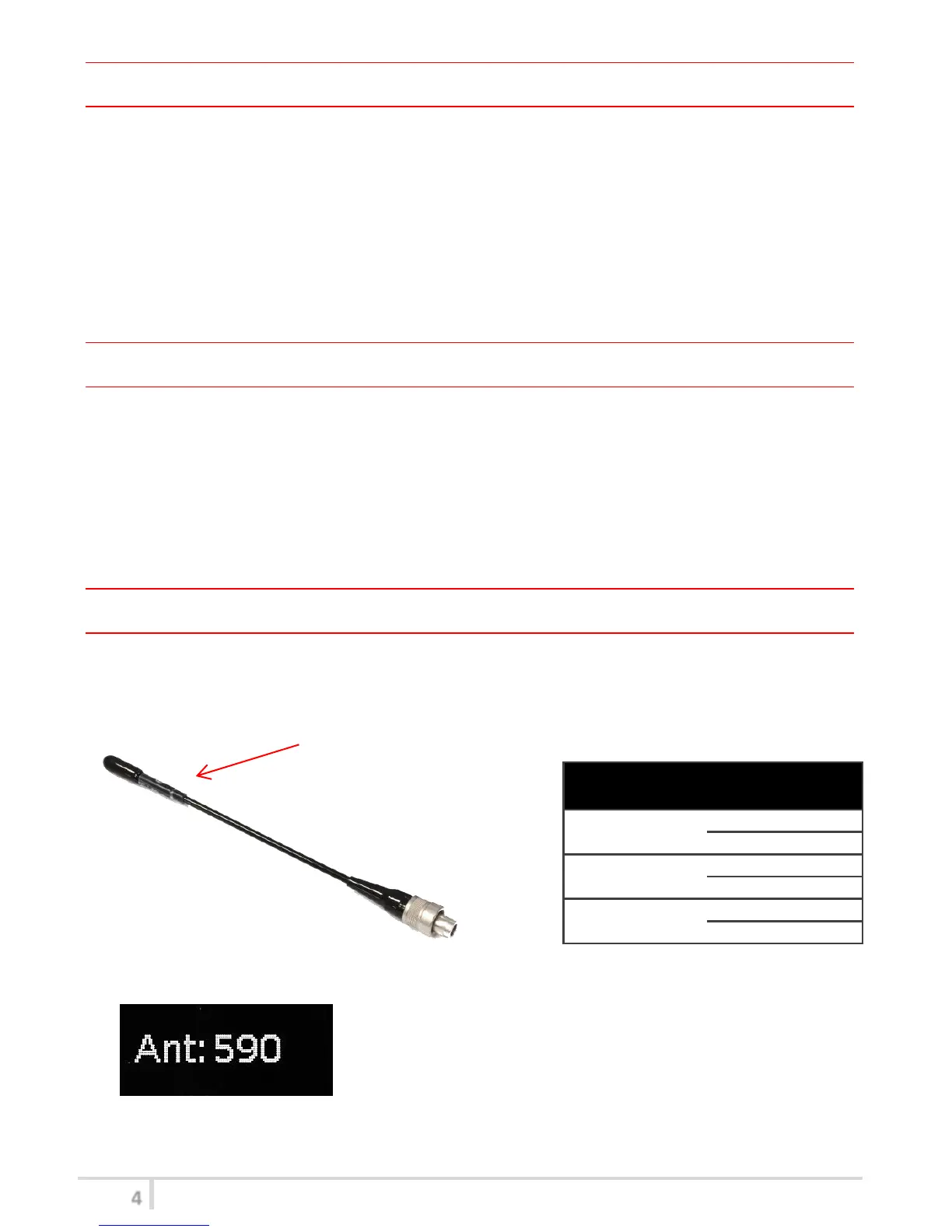
MTP41 is supplied with a couple of antennas. According to the working band, different antenna
models can be supplied. All the models have black cap and a black label with code in white colour.
For more details see the below table.
In order to help the user to connect the correct antenna, the
display shows the antenna code during the switch on of the
transmitter and during the tuning selection after a change of
frequency range. (ex. if the user changes the frequency from 566
to 672 MHz, the display shows Ant. 732)



 To Next Page