WT901 | manual v0513 | http://wiki.wit-motion.com/english
2.3 Calibration
Preparation:
Make sure the sensor is “Online”.
Calibration on PC software:
It is required to calibrate for the first time usage.
2.3.1 Accelerometer Calibration
Purpose:
The accelerometer calibration is used to remove the zero bias of the
accelerometer. Before calibration, there will be different degrees of bias error.
After calibration, the measurement will be accurate.
Methods:
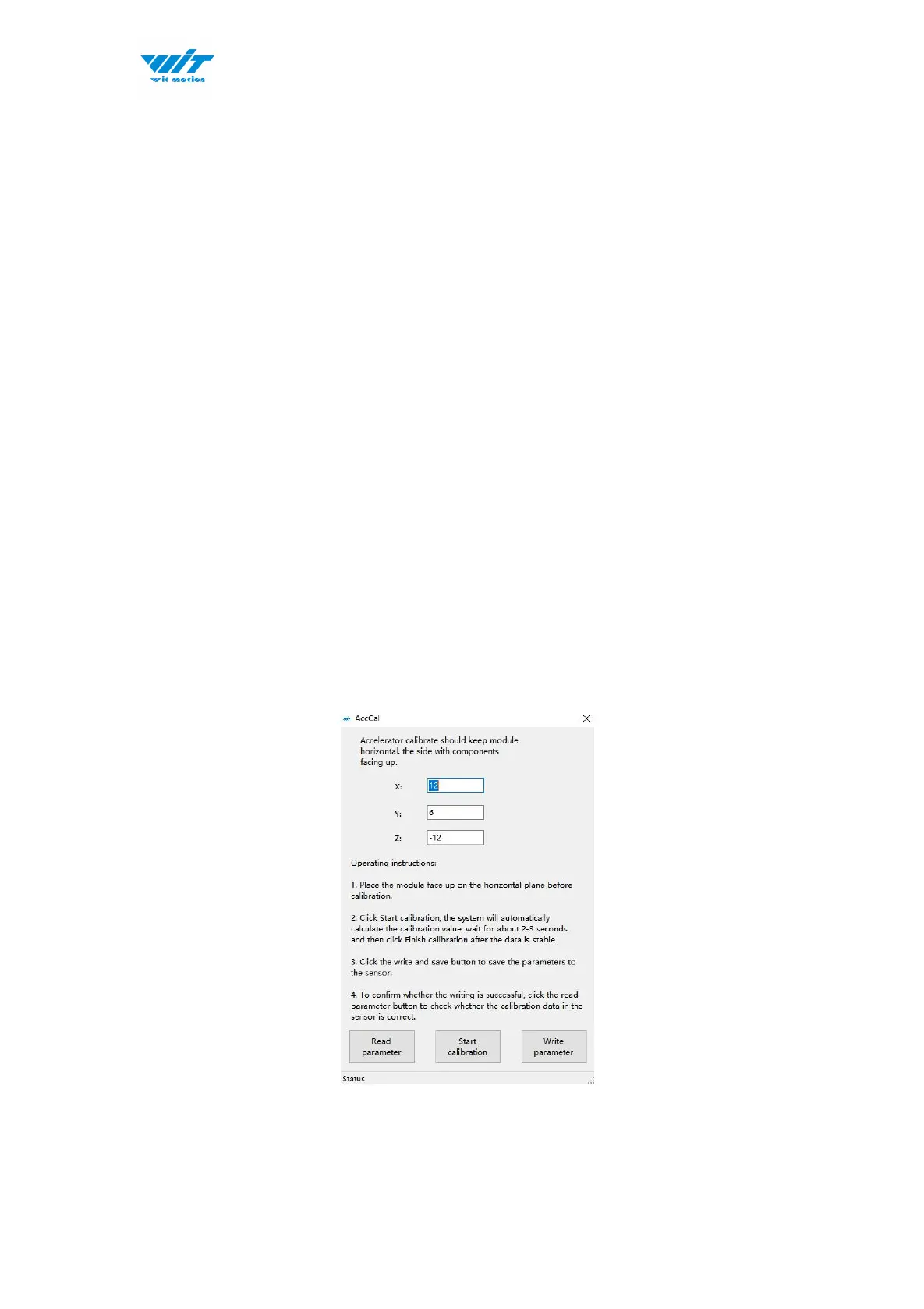
Step 1. Keep the module horizontally stationary
Step 2. Click the accelerometer calibration
Step 3. Click the “Start calibration”and wait for 3 seconds



 To Next Page