WT901 | manual v0513 | http://wiki.wit-motion.com/english
2.4 Configuration
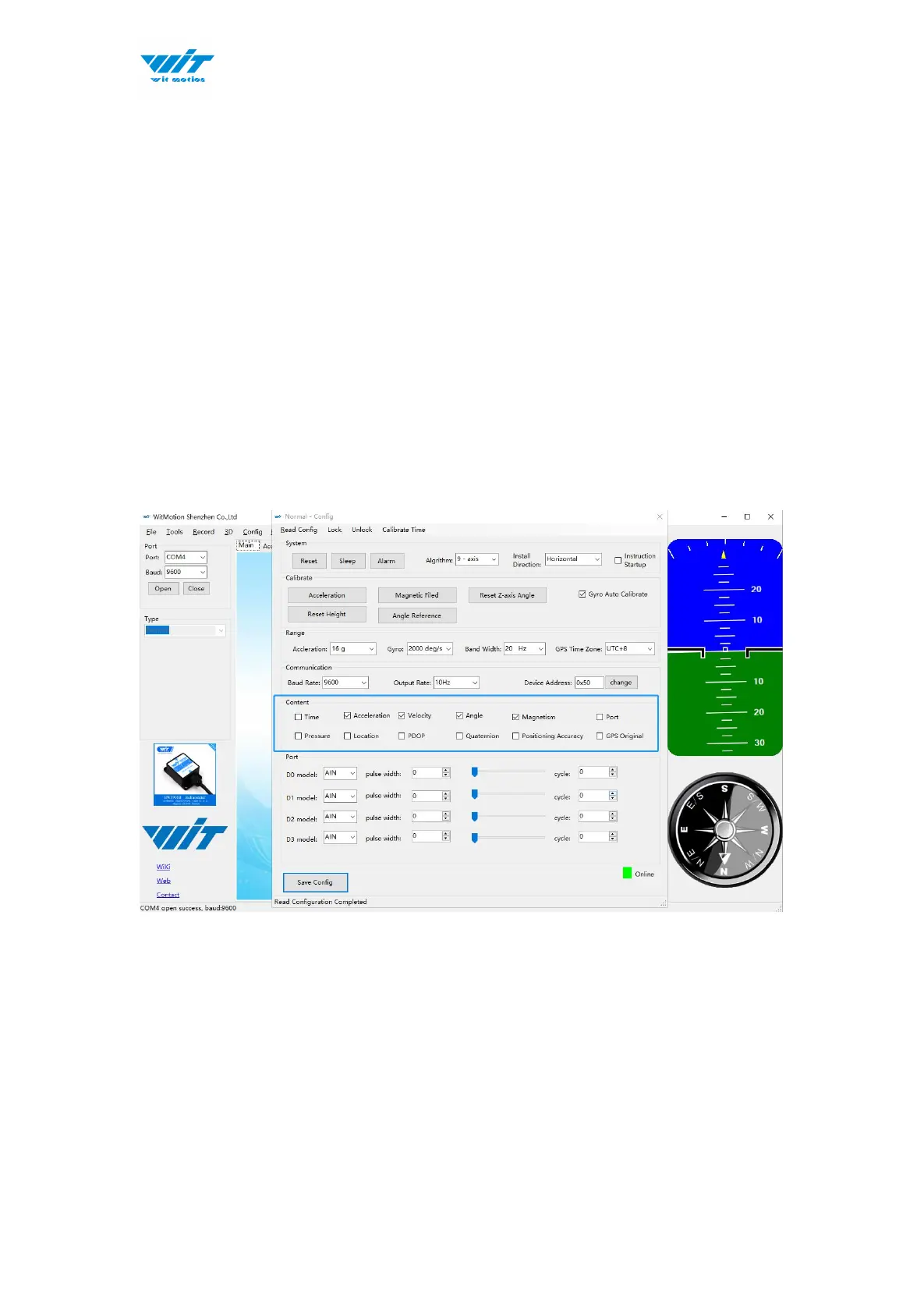
It is required to click “Unlock” before setting configurations.
2.4.1 Return Content
Setting method: The content of the data return can be set according to user
needs, click the configuration option bar, and check the data content to be
output.
Taking WT901 as an example, the default output of the module is acceleration,
angular velocity, angle, and magnetic field.
Notice: If choosing the GPS Original, there will be no other data output.



 To Next Page