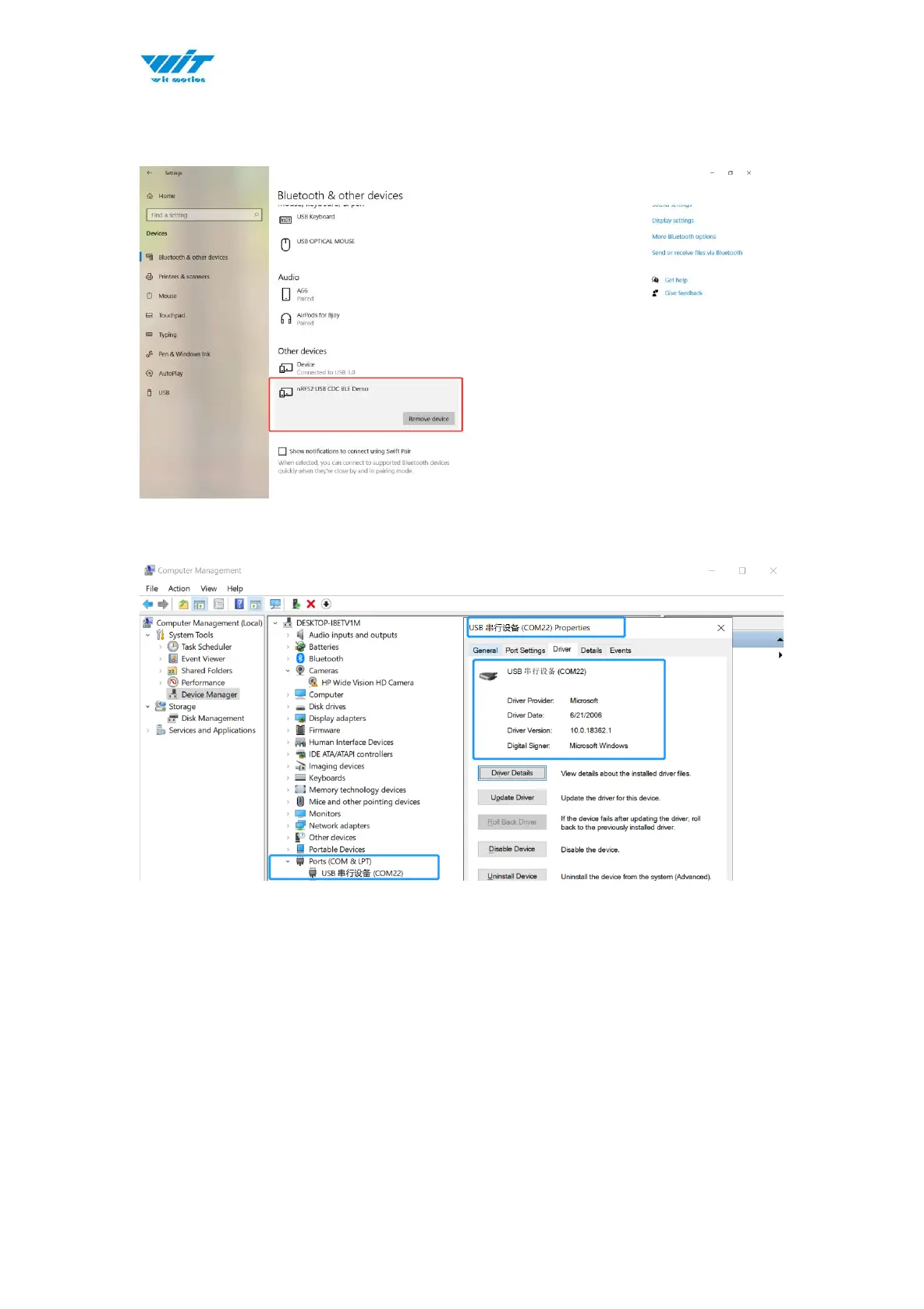
Once the system recognizes the device, you can find it on “Bluetooth & other
devices” control page
Or confirm if there is a port generated in the device manager.
(Bluetooth visual port. )
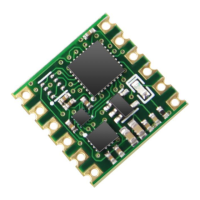
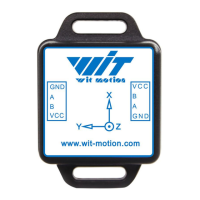
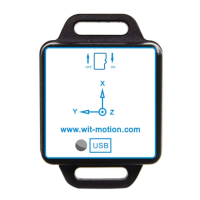
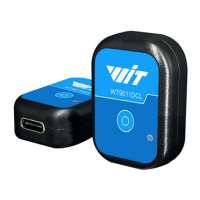
Step 2. Turn on the sensor after blue light of adapter flashes
P.S The sensor’s LED light will flash quickly. (once per second )


 To Next Page