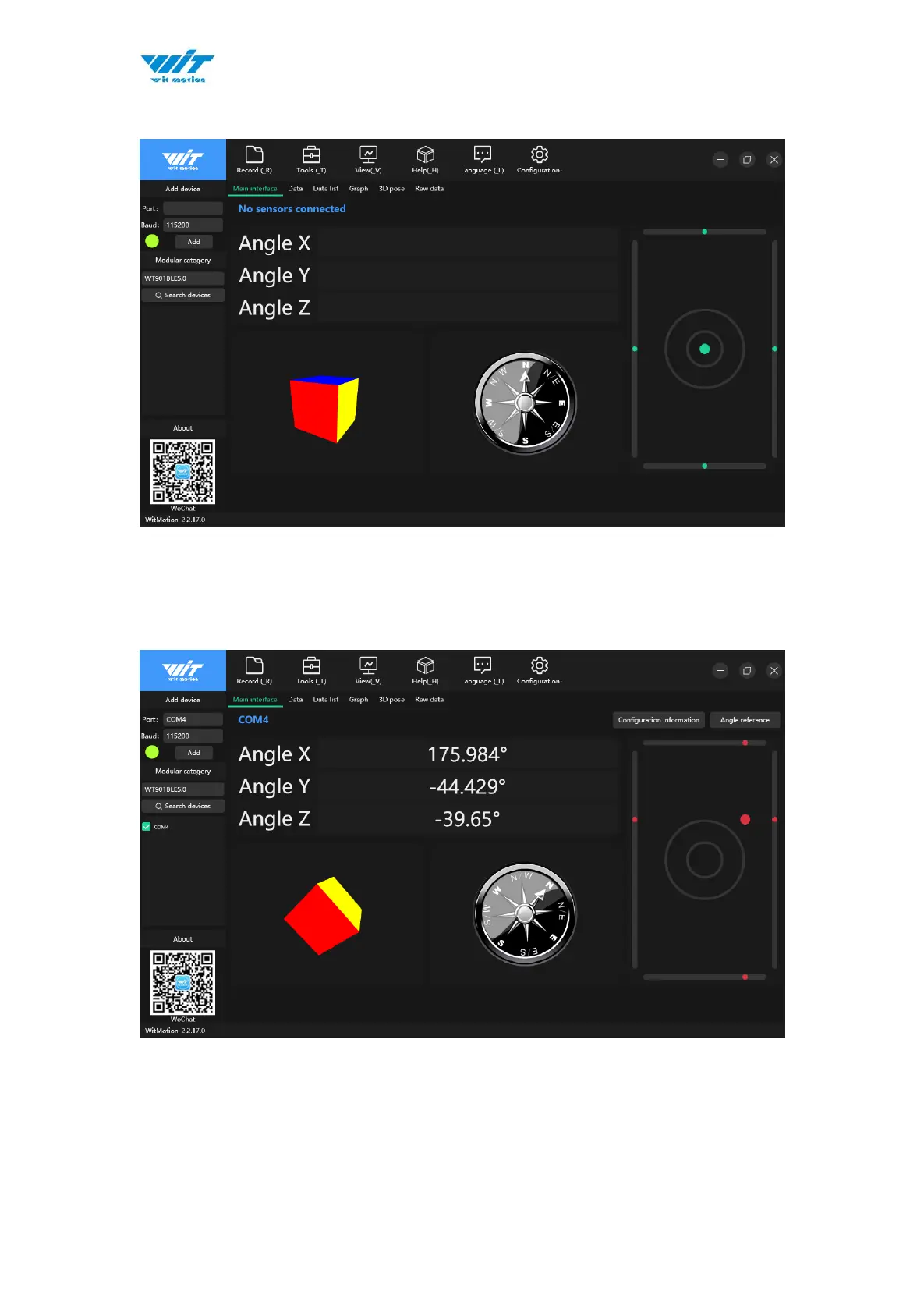
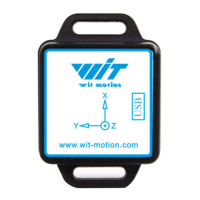
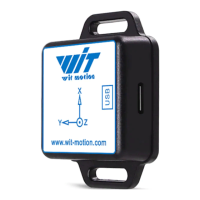
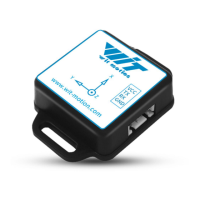
Step 3. Run the MiniIMU.exe application
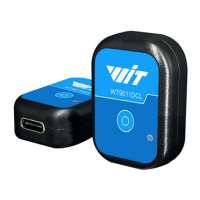
Step 4. Long press the sensor button to start up, turn on the intelligent upper
computer, select WT901BLE5.0 for module category, select serial port, the
default baud rate is 115200, and then click Add.
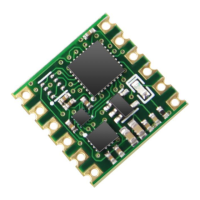
After the connection is successful, the upper computer can see the data sent
back by the sensor.
Step 5. Data will appear once the auto-search finished
LED status: The LED light of sensor will flash slowly. (once every two seconds.)
The adapter’s LED light will remain still.


 To Next Page