EN - 13
Withings Activité™
v3.0 | November, 2015
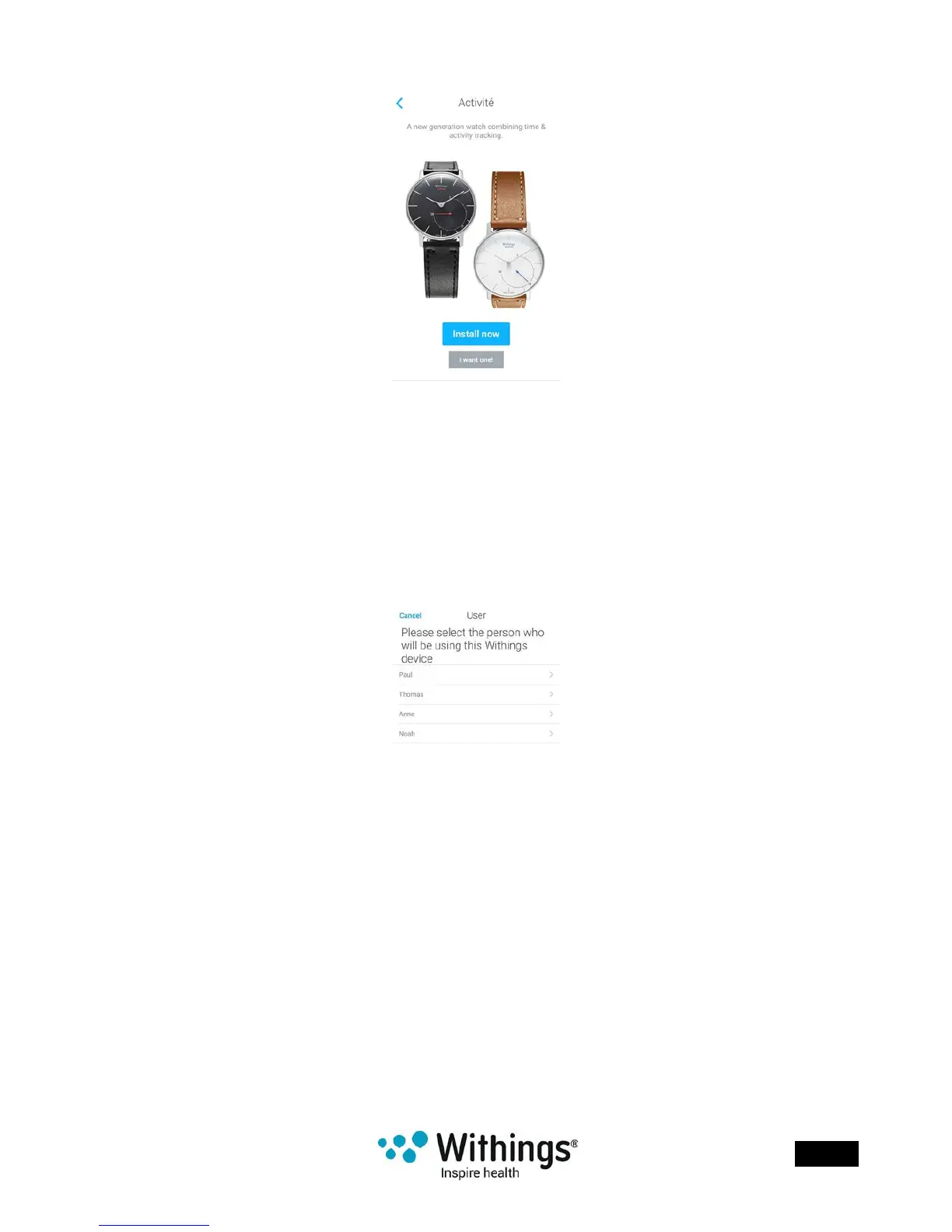
6. Tap Install now.
7. Push the reset button located at the back of your Withings Activité™ using the tool it
came with.
Your Withings Activité™ vibrates once.
If it doesn’t vibrate, try changing the angle of the tool when you push the reset button.
8. Put your Withings Activité™ close enough to your mobile device.Tap Next.
You may need to press the reset button again if your device cannot detect
your Withings Activité™ on its own.
9. Select the user who will be using the Withings Activité™.














 To Next Page