EN - 17
Withings Activité™
v3.0 | November, 2015
To get more information (such as the exact number of steps, the distance, or the calories
you have burned), simply press the button located on the right-hand side. The different
screens of your Withings Activité™ will be displayed one after the other.
To get even more details, simply log in to the Withings Health Mate® app. The app offers
many graphs that allow you to easily see your history and your progress from the very rst
time you use it.
Changing my activity goal
This feature allows you to set a custom daily step goal. To change your daily step goal,
perform the following steps:
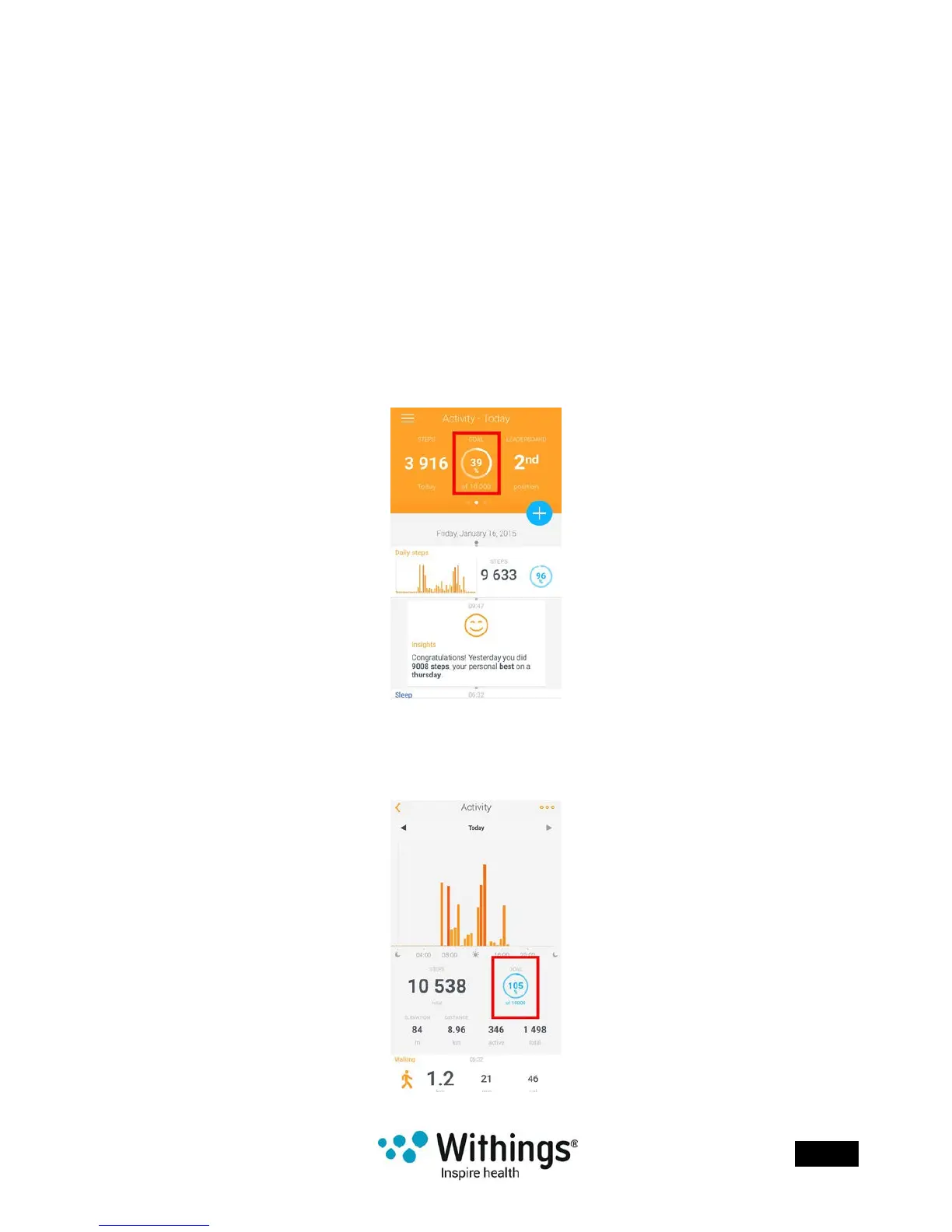
1. Open the Withings Health Mate® app.
2. Go to your Timeline.
3. Tap Goal.
If this screen is not displayed, swipe left or right in the top widget (colored part at the top
of the screen) until you nd it.
4. Tap Goal once more.














 To Next Page