EN - 32
Withings Activité™
v3.0 | November, 2015
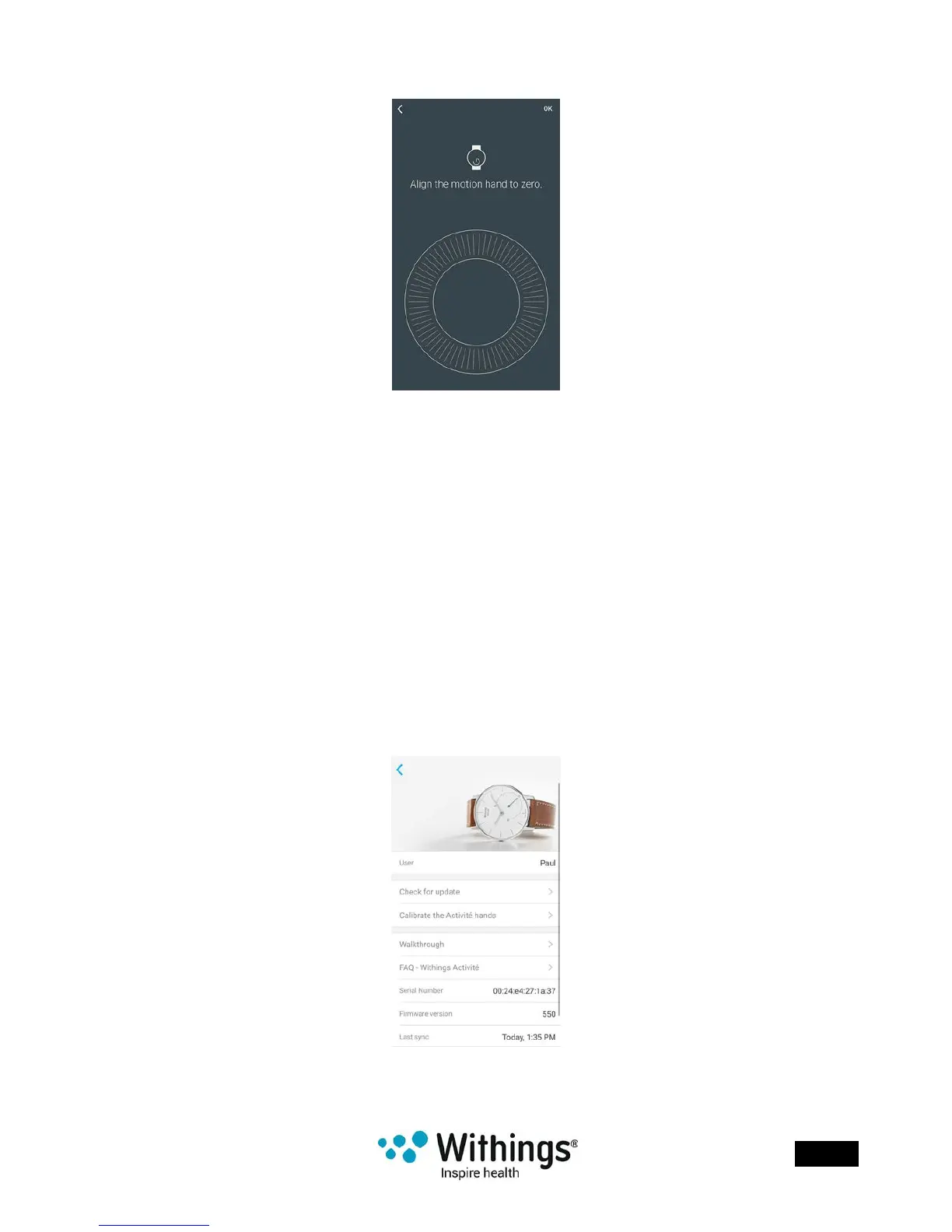
7. Slide your nger on the wheel displayed in the app until the activity hand reaches
the 0 mark. Tap Next.
8. Tap Done.
Your Withings Activité™ is now properly calibrated and the hands move to their correct
position to display the current time.
Updating the Firmware Version
We regularly offer new rmware versions so that you can benet from the latest features we
add to our products. When a new rmware version is available, the Withings Health Mate®
app usually prompts you to install it through your Timeline.
However, you can check if updates are available and force their installation whenever
you want. To do so, perform the following steps:
1. In the Withings Health Mate® app, go to My devices.
2. Tap your Withings Activité™.
3. Tap Check for update.
4. Put your Withings Activité™ close enough to your mobile device.














 To Next Page