EN - 9
Withings Activité™
v3.0 | November, 2015
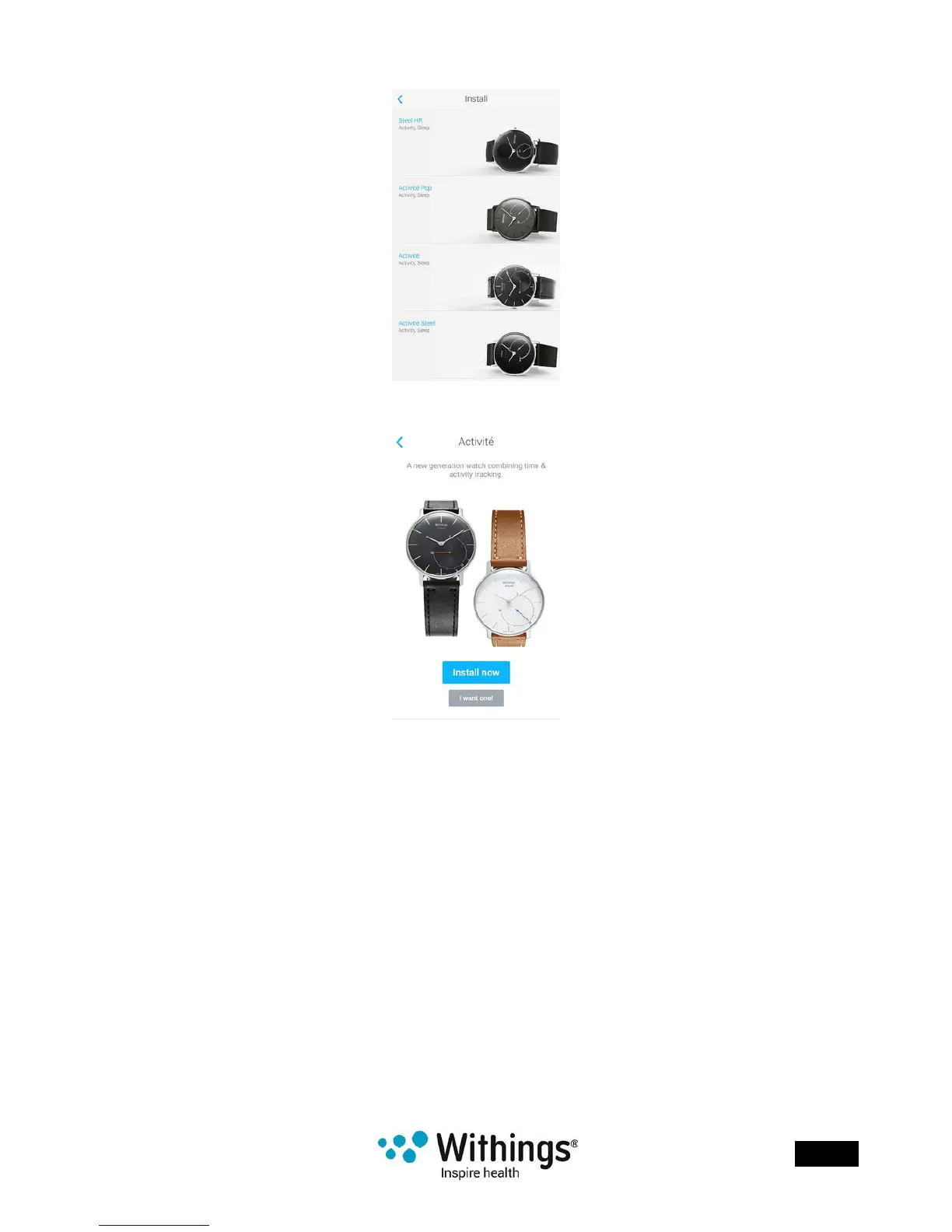
5. Tap your watch model.
6. Tap Install now.
7. Push the reset button located at the back of your Withings Activité™ using the tool it
came with.
Your Withings Activité™ vibrates once.
If it doesn’t vibrate, try changing the angle of the tool when you push the reset button.
8. Put your Withings Activité™ close enough to your mobile device. Tap Next.
You may need to press the reset button again if your device cannot detect
your Withings Activité™ on its own.
9. Enter your email address, password and then conrm your password. Tap Next.
10. Enter your rst name, surname and birthday. Tap Next.
11. Select your gender and enter your height and weight. Tap Create.














 To Next Page