- 1 5 -
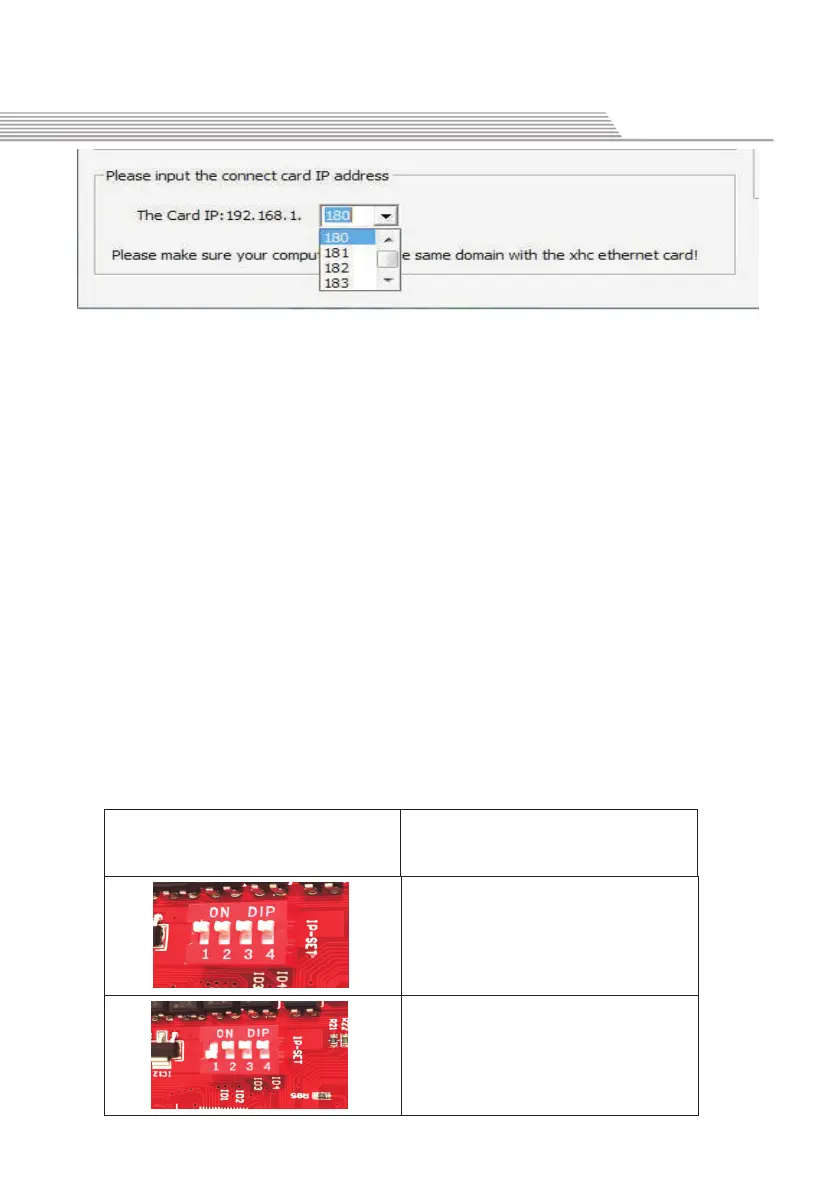
if you only connected with 1 set of our Ethernet control card, skip the
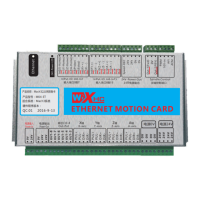
step. IP factory default is 180 open Ethernet control card control card
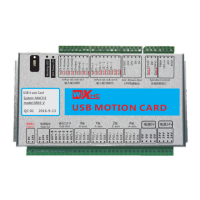
circuit board in the shell, the upper inner has a red dial switch, a total
of 4 of them. You can set the IP, range: 0-15, corresponding to the IP
address of the Mach3 software plug-in control: 180-195.default all
dial switch goes to the ON position, IP address is 0, corresponding
to Ethernet IP of Mach3 software: 180 Refer to the following table
settings:
The third step: IP internal Ethernet switch setting
拨码开关设置
Dial switch setting
对应Mach3软件IP地址
Mach3 software IP
IP:180
IP:181
New Function



 To Next Page
 Loading...