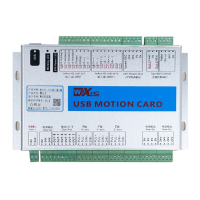
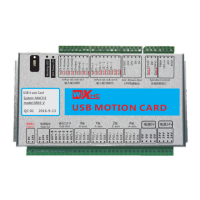
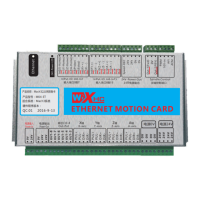
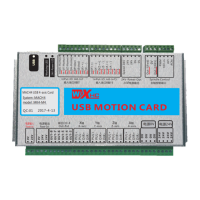
Need help?
Do you have a question about the WiXHC MK3-V and is the answer not in the manual?
Instructions for installing Mach3 software version.
Copying the driver file (e.g., NcUsbPod.dll) to the Plugins folder.
Copying the configuration file (e.g., Mach3mill.xml) to the Mach3 folder.
Connecting a DC24V/1A power supply to the control card.
Wiring diagram for MKX-IV motion card X, Y, Z, A axis output ports to the driver.
Wiring diagram for MKX-V motion card X axis output port to the driver.
Wiring the spindle frequency converter for speed control using 0-10V analog voltage or PWM.
Wiring the spindle to a stepper or servo driver using a 5V power supply.
Wiring details for NPN, PNP, and mechanical home switches to the control board.
Wiring NPN, PNP, and mechanical limit switches to the control board input ports.
Wiring the emergency stop button to the control board input port.
Configuring motor steps per unit, velocity, and acceleration.
 General
| Brand | WiXHC |
|---|---|
| Model | MK3-V |
| Category | Controller |
| Language | English |


 To Next Page