Need help?
Do you have a question about the WiXHC MACH3 MK4-V and is the answer not in the manual?
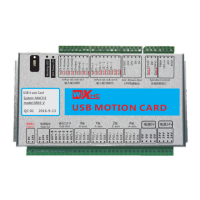
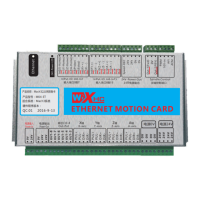
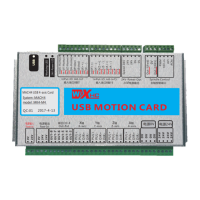
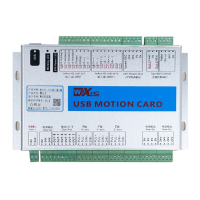
Introduces the breakout board, its purpose for MACH3, and available models like MK3-V, MK4-V, MK6-V.
Explains the 16 input IOs, their active low configuration, voltage range, and specific signal assignments like X-HOME, PROBE, ESTOP.
Details power requirements (DC24V, 0.5A) and the 8 expandable output IOs with drive current and voltage support.
Provides a comprehensive breakdown of all input (In0-In15) and output (Out1-Out8) signals and their functions.
Steps for installing Mach3 software, USB drivers, and connecting the breakout board to the PC and stepper drivers.
Describes the automatic G-code line saving on power loss and how to resume operations from the last saved point.
 General
| Model | WiXHC MACH3 MK4-V |
|---|---|
| Input Voltage | 24V DC |
| Communication Interface | USB |
| Compatibility | Mach3 |
| Number of Axes | 4 |
| Pulse Output Frequency | 200KHz |
| Step/Direction Output | Yes |
| Emergency Stop Input | Yes |
| Type | Controller |


 To Next Page