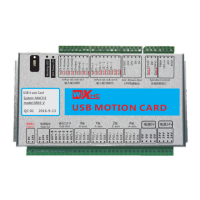
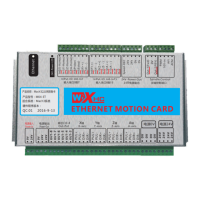
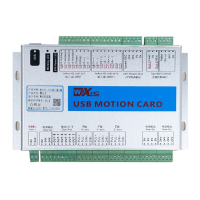
软件安装
Software installation
第1步:安装MACH4软件.点击Mach4Hobby Installer-4.2.0.2914.exe
然后点next 下一步完成安装.
第2步:拷贝MACH4 配置文件中的plugins 和profiles到MACH4安装
目录.替换原来的文件.
第3步:参见接线图,将控制卡连线正确
第4步:用USB线将控制卡和电脑连接起来.等待计算机安装U S B驱动完成.
No.1:Install MACH4 software,Open Mach4Hobby Installer-4.2.0.2914.exe.click next
till to finish.
No.3: See wiring diagram, which will control the card connection correctly
No.4: Connect the control card and computer with the USB line.
附件1:软件安装说明
第5步:打开MACH4, wxMach.exe,选择mach4mill.点”configure->
mach”,在motors窗口,设电机参数.每个轴参数设置好后,点Apply保存.
当电机移动方向反时,可以把Reverse打勾.
No.5: Open wxMach.exe,choose mach4mill.Click ”configure->mach”,in the motors
window,set the motor parameters.Finish settings,click Apply to save.click “revrese”
when motor moving reverse.
第6步:完成以上配置后,就可以在MACH4 /joging窗口中点x+,y-等调试
运行机器了.
No.6: Finish above settings,you could move motor by x+,y- to debug your motor
in the jogging window.
No.2:Copy MACH4 config files plugins and profiles to MACH4 install directory,
replace all files.
-12-


 To Next Page
 Loading...