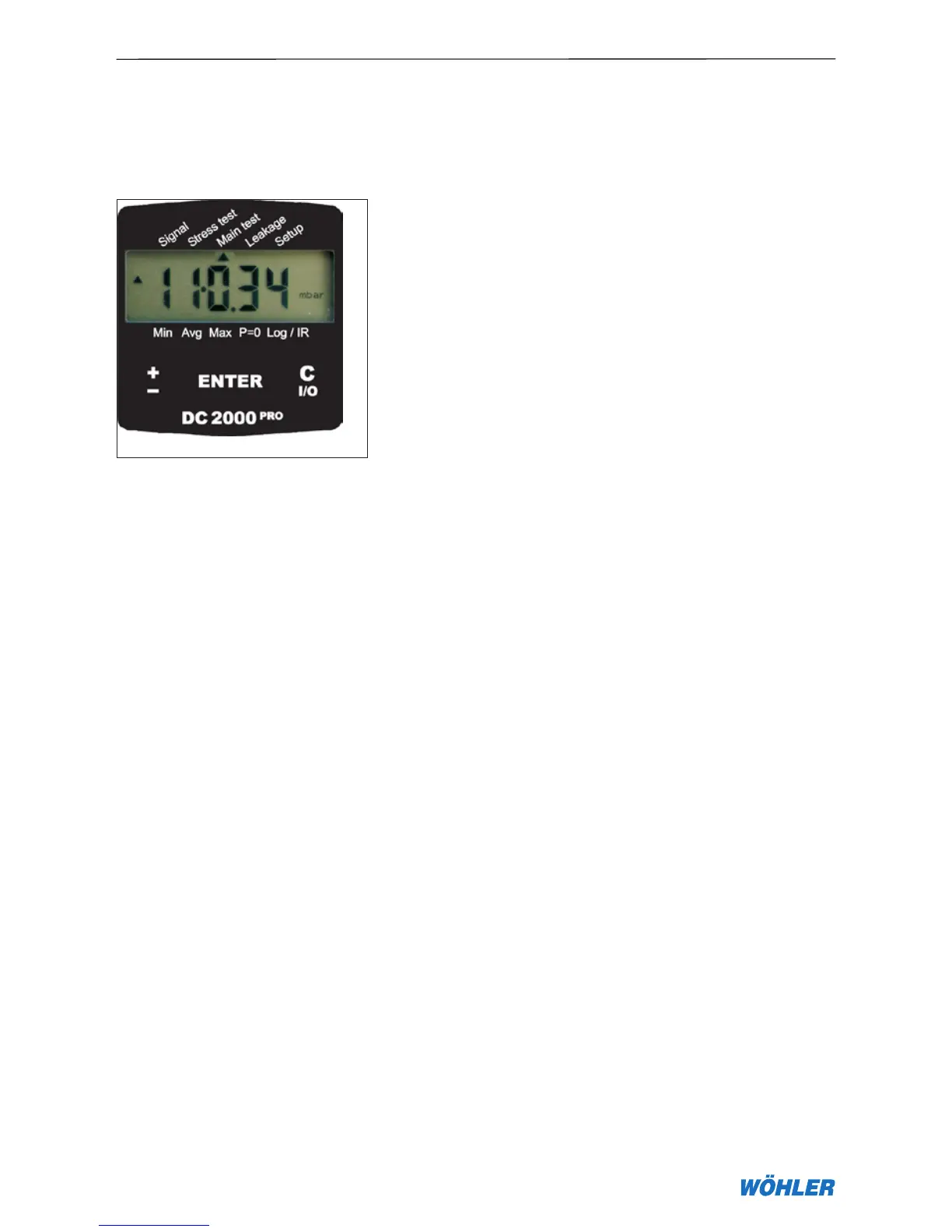
5. Main test menu (DVGW-TRGI)
Lines with operating pressures up to 100 hPa can also be main-assessed in
accordance with DVGW-TRGI worksheet G 600 and the findings also docu-
mented very easily with the DC 2000
PRO
.
First of all, the line must be sealed and a suitable test plug inserted. The
DC 2000
PRO
must be switched ON before it is connected to the test plug.
After zeroing, press the ± key to activate the menu item Main assessment.
The DC 2000
PRO
prompts you to pump to the test pressure (e.g. 150 hPa).
When the over- and underpressure lines have been swapped over by acci-
dent, the text “Swap” appears on the display. When the pressure reaches
the preset test pressure the stabilising phase is initiated (default Stab. time =
ten minutes). This is marked with the trend symbols ▼▲. When the pressure
remains within ±10% of the test pressure during this stabilisation phase the
actual pressure loss test is started at the end of the stabilisation time (
default
Time = ten minutes
). During the stabilisation phase the pressure loss test
can also be initiated manually at the ENTER key. The remaining test time and
the current pressure values are displayed alternately. When the test time has
ended or been cancelled with the C I/O key the cursor flashes at Main test on
the display and the results can be viewed in turn at each press of the ± key as
follows:
Difference: 17.7 hPa
± key
Start pressure: 110.83 hPa
± key
Time: 10.00 (minutes)
± key
Stop pressure: 93.14 hPa
± key
Text: “Print …” (activate the printout with the ENTER key)
± key
Difference: 17.7 hPa
5. Main test menu
Fig. 5.1



 To Next Page