7. Min, Max, AVG menu
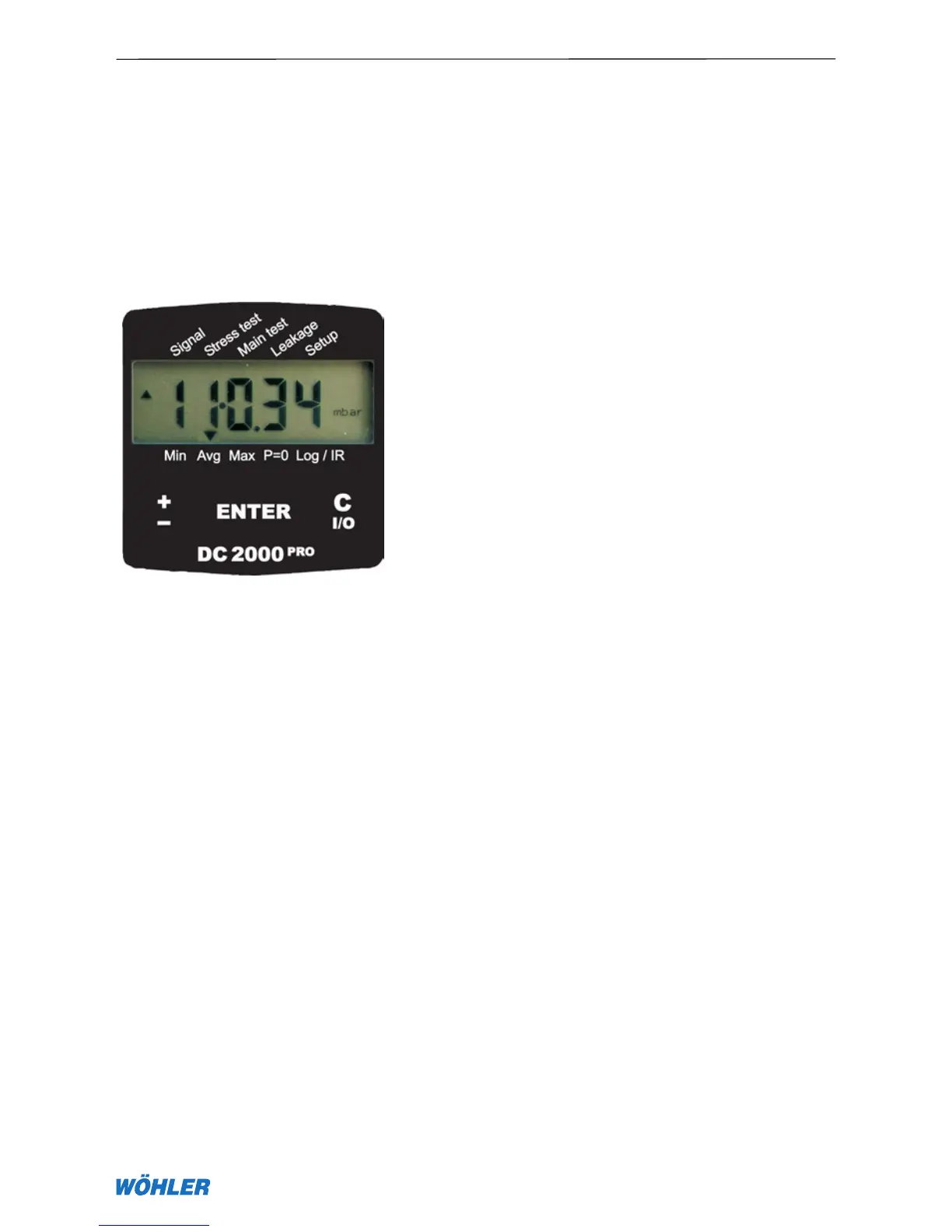
The three cursor positions on the left side of the bottom display edge return
the statistical characteristics of all measured and calculated values. The
detected minima and maxima and the calculated averages (AVG) can be reset
with the P=0 function. The effect of smoothing on calculated averages can
be set with the value ALPHA defined in Equation (6). The smaller the value for
ALPHA, the greater the effect of smoothing. ALPHA can be varied from 0.01
to 0.99 under the menu item Setup —> ALPHA.
AVG
new
ALPHA · current measured value + (1 – ALPHA) ·
AVG
old
AVG
new
mean value at present moment
AVG
old
mean value one second earlier
7. Min, Max, AVG menu
Fig. 7.1



 To Next Page