ALPHA weighting factor for current measured value (0.01–0.99)
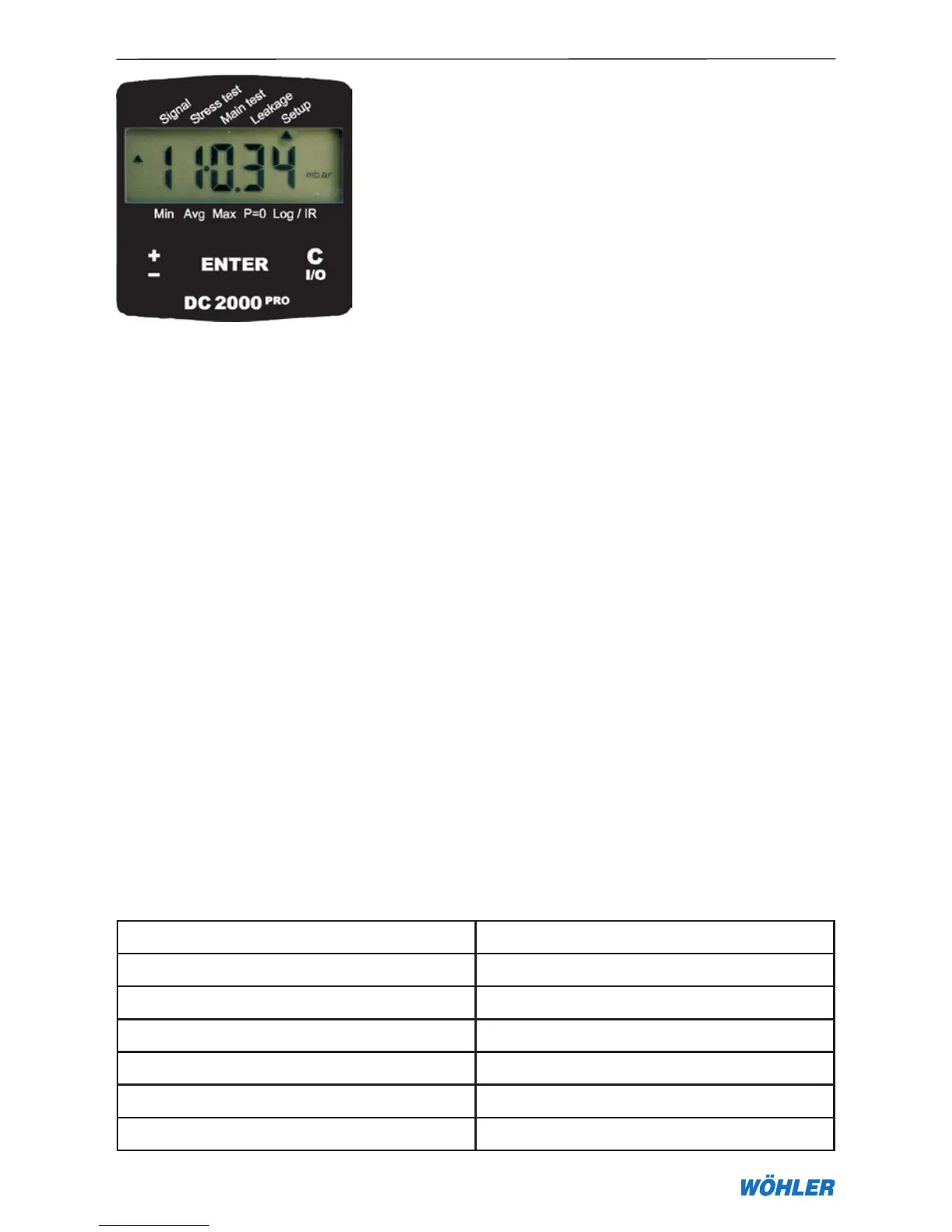
8. Setup menu for basic settings and company logo
In the Setup menu a number of settings can be configured. All configurations
will be kept after switching off the device or changing the battery.
8.1 Basic configurations
When the Setup menu is open, the ± key can be used to configure a number
of settings that are explained in the following. A good overview is also found
in the quick reference in the middle of this manual.
1. Setup —> Rounding
Activating this function rounds off the displayed value to a resolution of five
digits. For a display in pascals, for example, this means a resolution reduced
from 1 to 5 Pa. The result is a considerably more stabilised display under
pressure fluctuations, yet without the delay effects usual for averaging. The
device continues calculating values based on the higher resolution (ON/OFF,
default OFF).
2. Setup —> Medium
This menu selects the gas type and therefore the relative viscosity in Equation
(4) (default natural gas).
Gas type f
natural gas 1.7
air 1.0
town gas 1.3
propane 2.3
butane 2.4
hydrogen 2.0
8. Setup Menu
Figure 8.1



 To Next Page