9.3 Data transfer to a pocket PC
The contents stored in the DC 2000
PRO
can be transferred with the appro-
priate software to a pocket PC. This software can be downloaded from the
internet
(http:\\mgkg.woehler.de).
9.4 Printing out measurement records
Log/IR —> PRINT – Measurement records can be printed out directly on the
TD 600 thermal printer (order no. 4130). When the device is switched OFF the
data are retained until they are overwritten by a new pressure loss measure-
ment or logger recordings. The text Print appears on the display during the
printing process.
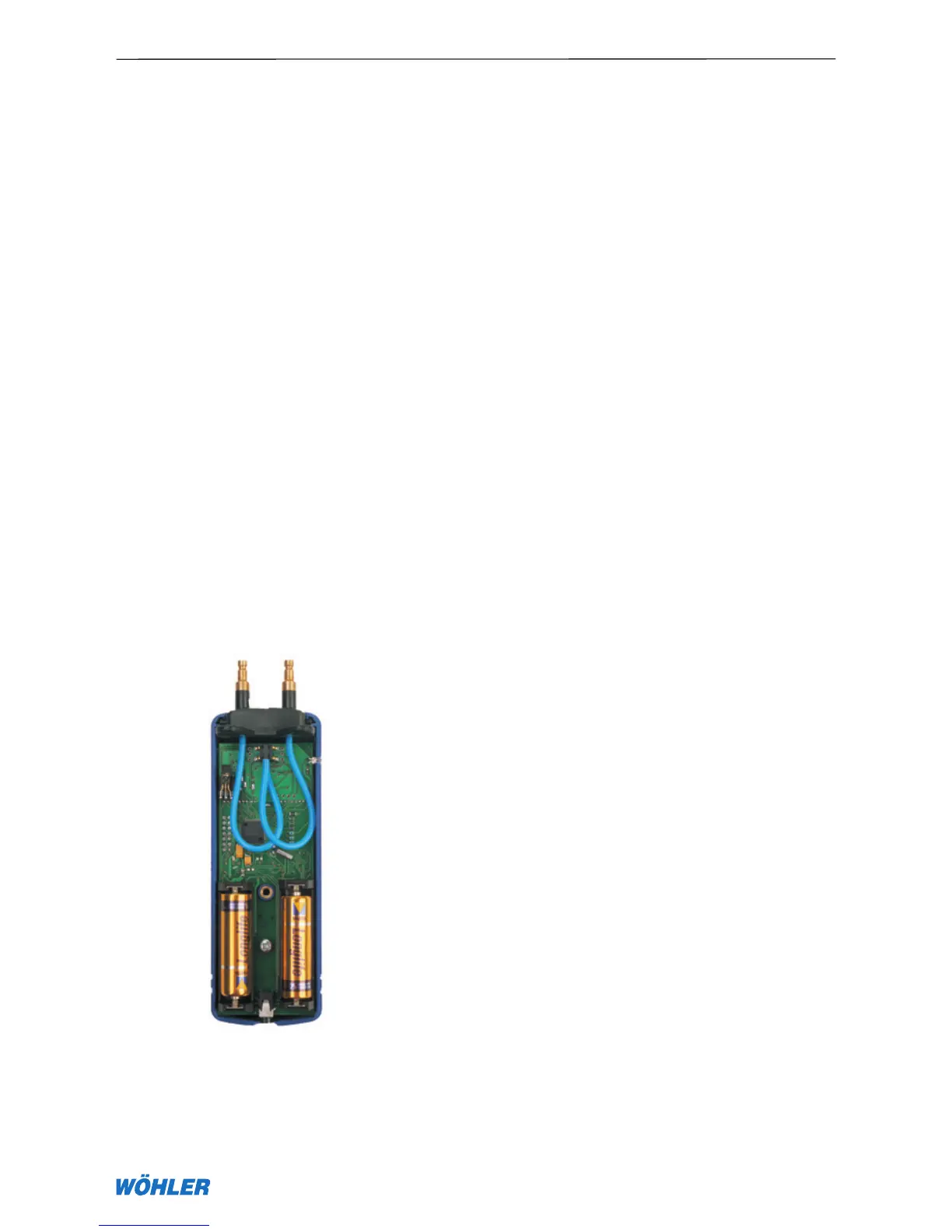
10. Changing the batteries
When only the text “Self-test …” or the message “Change batteries” ap-
pears on the display the batteries are fully depleted.
To replace the batteries remove the rear of the device with a slot-head scre-
wdriver. Now you can replace the batteries (IMPORTANT! Note the polarity!)
and screw the rear back on. When the batteries are replaced within one
minute the clock does not need to be adjusted. Measured data, settings, and
calibration values are retained even without batteries for at least ten years.
9. Logger/data transfer
Fig. 10.1



 To Next Page