CSO24 and CSO30 (SWS #13508346)
Troubleshooting Guides
5-10
#9001333 - Revision A - August, 2014
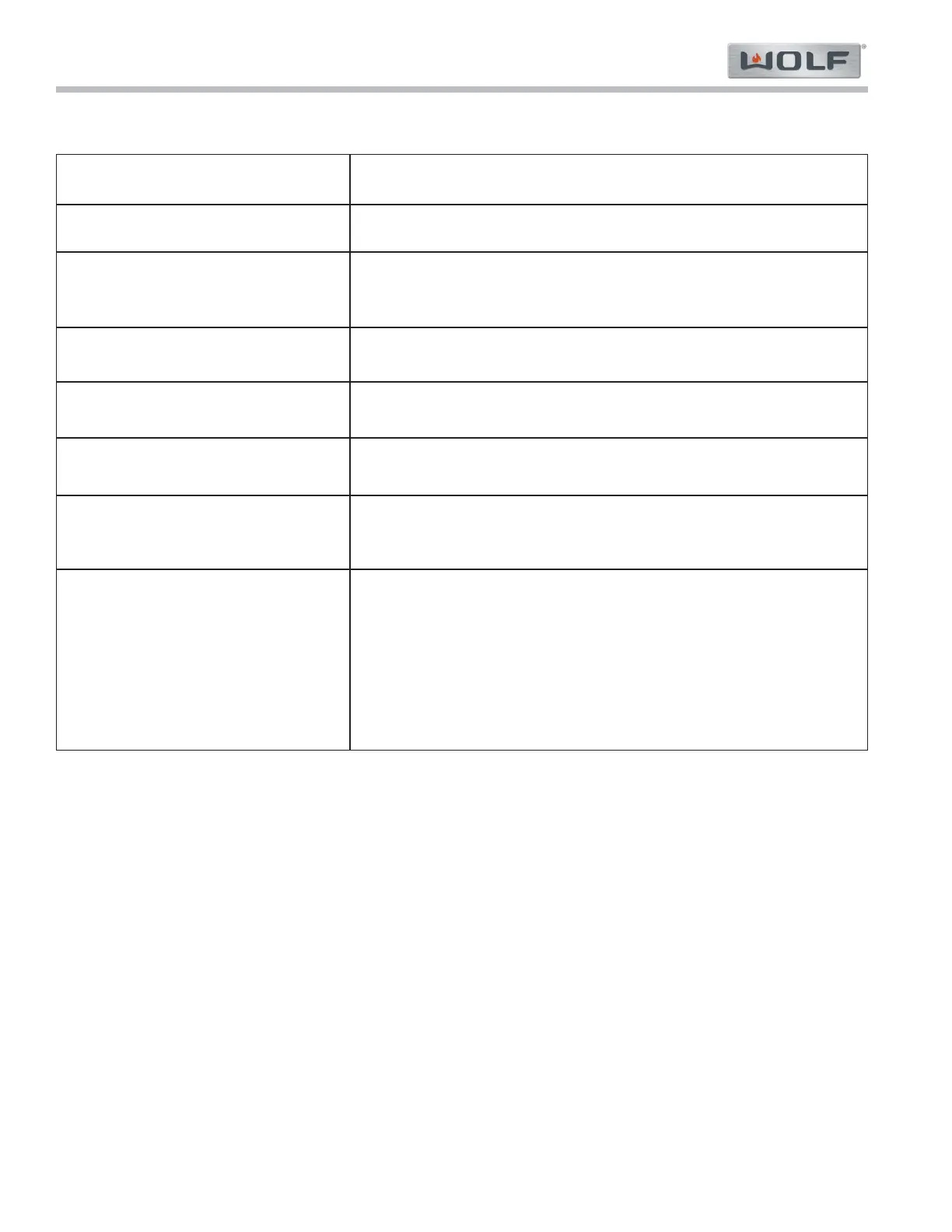
Malfunction
Possible Cause
(Ranked by Frequency)
Heating element(s) not heating up.
From time to time, strange (illegible)
characters appear in the text display.
From time to time, control unit with a
strange display.
Water being pumped back even
though water tank not in place
Large quantity of residual water in
water tank compartment
Heavily build-up of condensate later-
ally externally or in condensate con-
duit
Appliances with the K3.20398-1 soft-
ware release: With an operating mode
with a set switch-off time and a pre-
set food temperature, the appliance
starts immediately (without waiting
out the delayed start) if, during the
delayed start, the food probe is
unplugged and then plugged back in
again.
1. Heating element(s) or the corresponding wiring is faulty.
2. Demo-Modus is activated.
1. Moisture in LCD due to steam penetrating panel area.
2. Loose or faulty plug and socket connection or ribbon cable.
3. Faulty LCD (FPC connector with loose contact).
1. Moisture in control unit due to steam penetrating panel area.
2. Loose or faulty plug and socket connection or ribbon cable.
1. Water tank detection switch caught on housing.
1. Appliance being operated without lid on water tank.
1. Door not closed firmly enough.
2. Door seal fitted incorrectly or damaged.
3. Door hinge faulty or damaged. Check closing force.
1. Immediate remedy: Cancel the operation and reset selection.
2. Install processor with software version 2 or higher.
3. Malfunctions Without Fault Displays//Messages
4 Switching Demo-Modus ON/OFF
Requirements: In order to switch the Demo Modus (Showroom Mode) ON / OFF, the appliance must be ready for
operation, i.e. all displays - with the exception of the time display – should be dark/off.
To Turn ON: 1. Press and hold the "LIGHT" + "OK" + "OFF" buttons for ten (10) seconds. NOTE: press and
hold the buttons in the order listed.
a «Demo-Modus» «off» appears in the display.
2. Using the adjusting “OK” knob set the display to «Demo-Modus» «on».
3. Press the "OK" knob to confirm the change in setting. Press the "Off" button to exit the configu-
ration mode.
To Turn OFF: 1. Press the "LIGHT" + "OK" + "OFF" buttons simultaneously. «Demo-Modus» «on» appears in
the display.
2. Using the adjusting knob set the display to «Demo-Modus» «off».
3. Press the "OK" button to confirm the change in setting. Press the "Off" button to exit the con-
figuration mode.



 To Next Page