5-12 Setting up the Printer using System Configuration Wizard Rev AB
Wolke m600 Universal Operator Manual
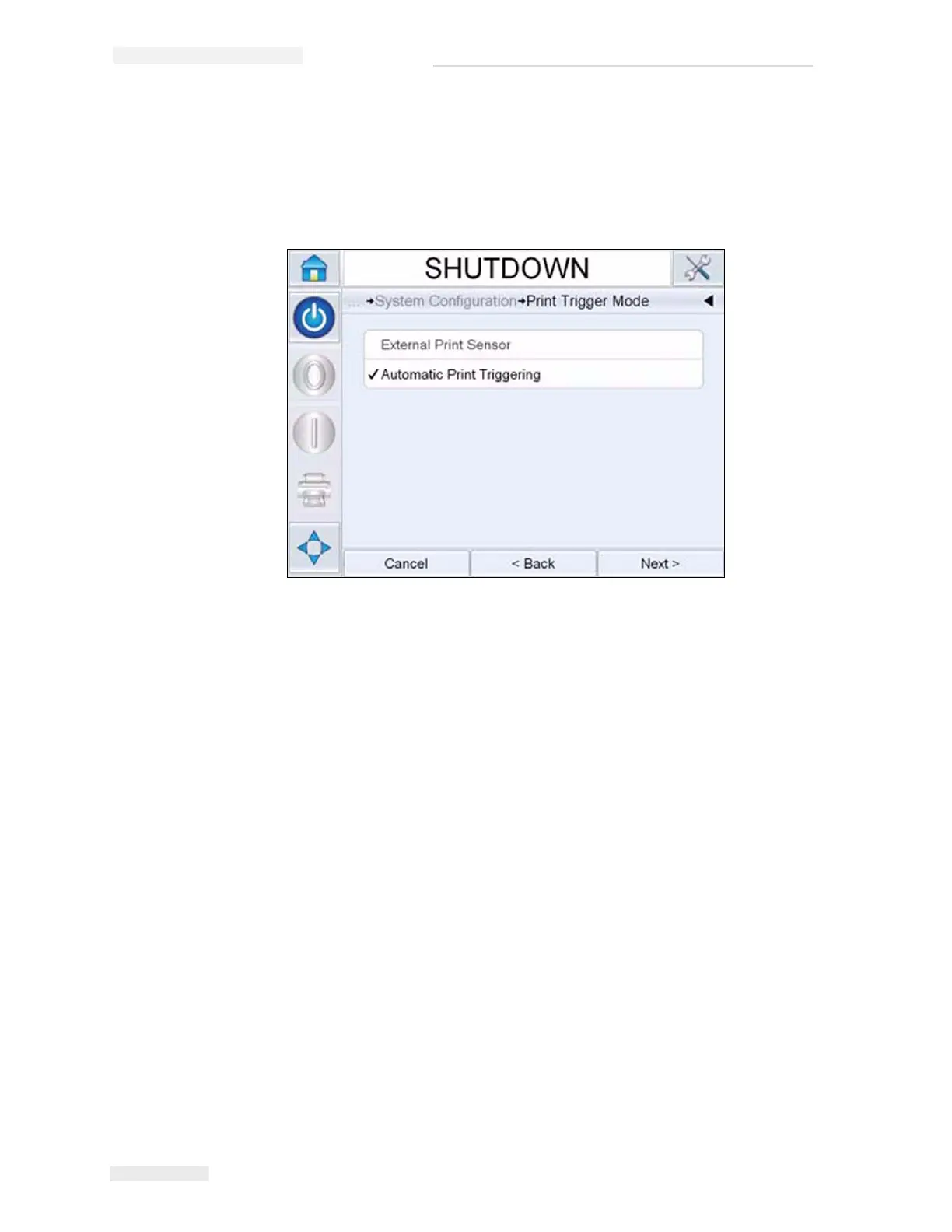
b. Automatic Print Triggering:
Used when configuring the printer to print at a set interval (i.e. web
applications). Input the desired distance between leading edges of
prints.
5 Select how the printer will determine what speed to print at by
following the on-screen (see Figure 5-14).
• Fixed Speed Printing: Used when the conveyor/product speed
remains constant. This setting is not recommended when
printing barcodes or 2D codes. The actual speed of the conveyor
must be entered.
Note: If the line speed is selected as ‘Fixed’, make sure that the line
speed remains constant throughout printing. If the line speed changes,
the set up should be adjusted to avoid printing errors.
Figure 5-13: Print Trigger Mode



 To Next Page