5-30 How to Start the Printer Rev AB
Wolke m600 Universal Operator Manual
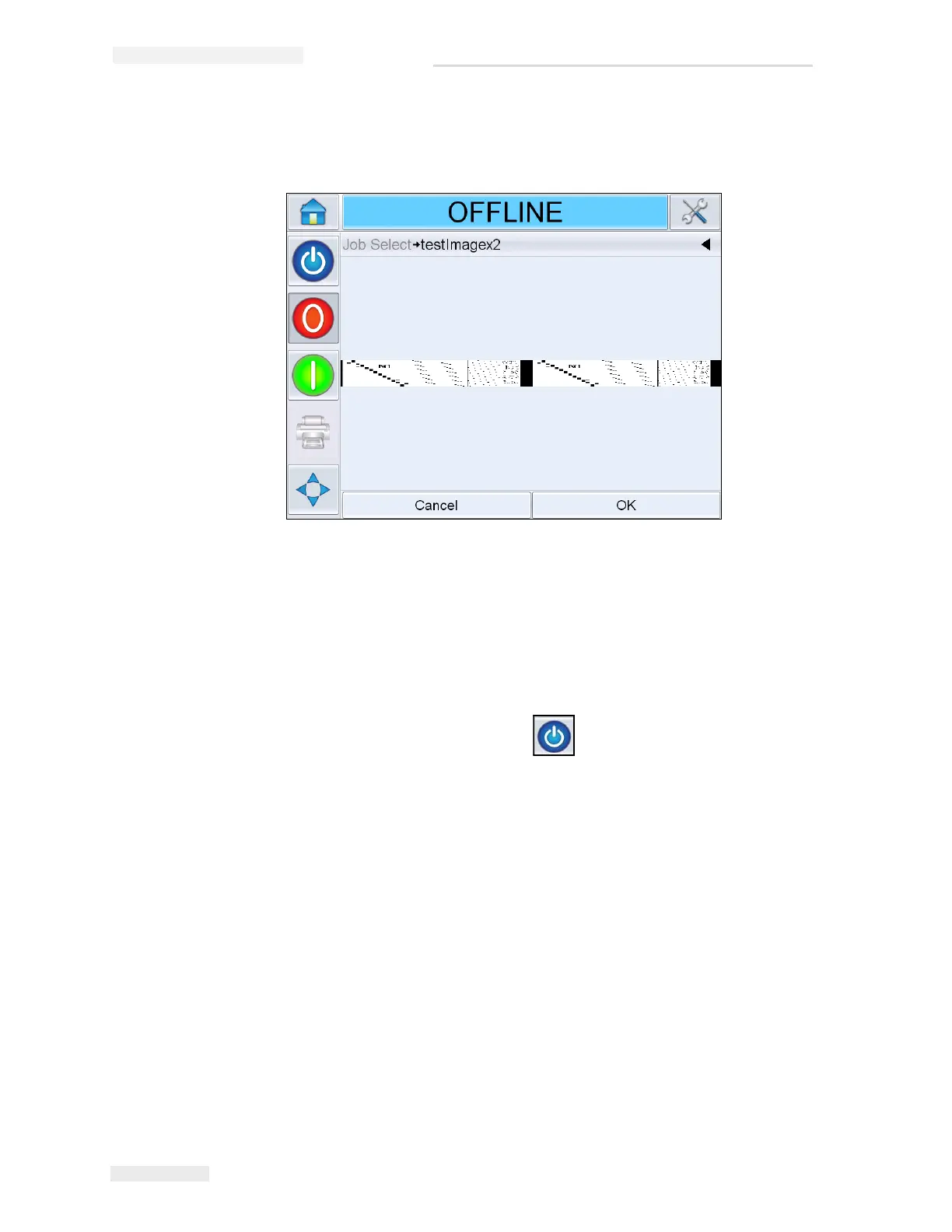
2 Select the test job from the list and touch OK. The job print preview
appears (see Figure 5-34).
3 Touch OK, and the Home screen displays the newly loaded Job name.
The job is now ready for print.
How to Start the Printer
1 Touch the Startup/Shutdown icon to start the printer.
2 The STARTING UP status appears in the status bar of the CLARiTY
Home Page (see Figure 5-35 on page 5-31) followed by OFFLINE status
indicating the printer is successfully prepared for printing.
Figure 5-34: Job Print Preview



 To Next Page