Rev AB How to Setup the Printhead Settings 5-17
Wolke m600 Universal Operator Manual
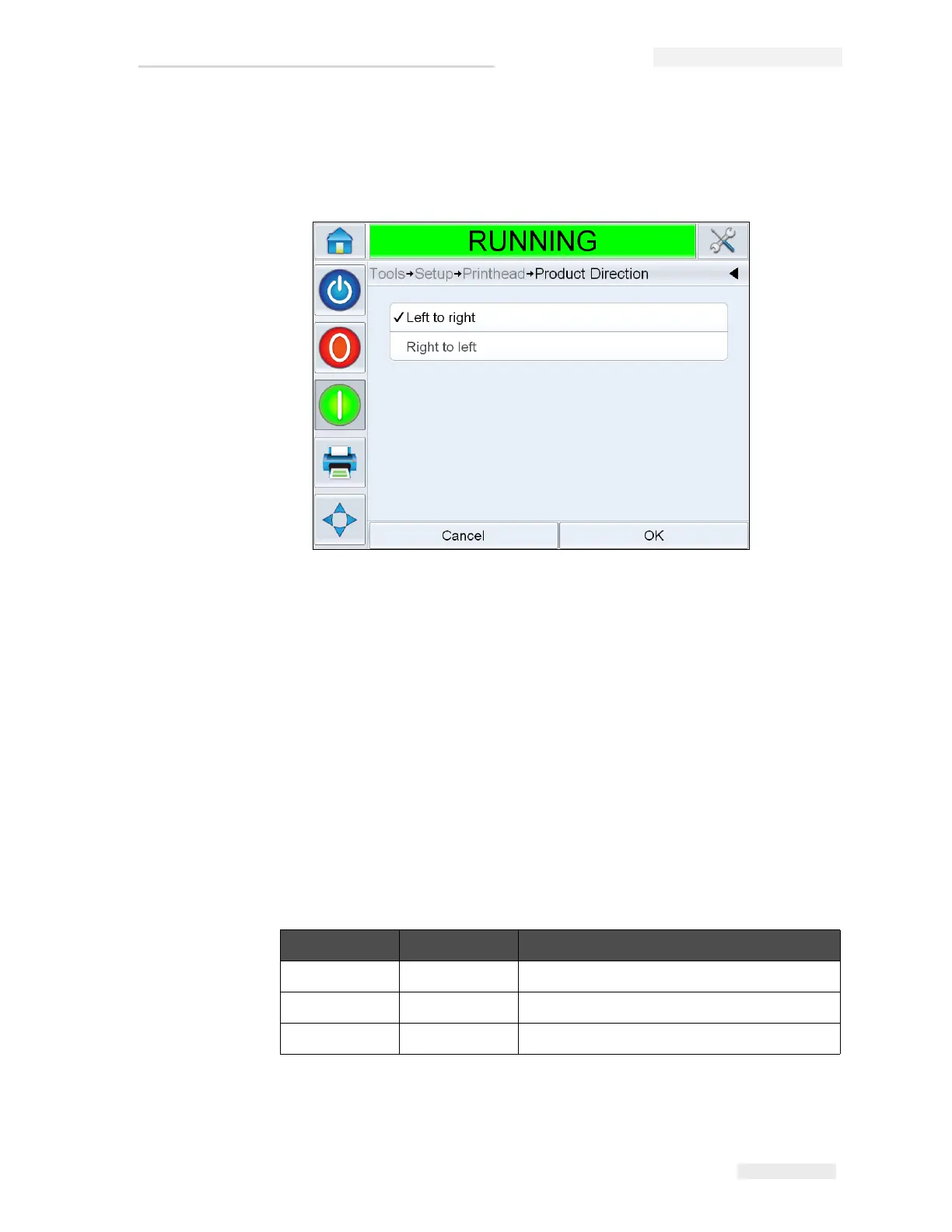
How to Change Print Direction
Select the correct direction of product travel as viewed from behind
the printhead.
How to Adjust Print Resolution
Both the Horizontal and Vertical Resolution can be adjusted to control the
amount of ink that is used for printing and to accommodate different line
speeds. The resolution settings are saved with the Job file, and therefore
can be different for every Job.
Horizontal Resolution
Horizontal Resolution (Print Density) determines the maximum line
speed of the printer and can be used as a method of reducing the amount
of ink used for printing.
Density(%) DPI Max Line Speed
100 240 844 mm/sec (166 ft/min)
75 180 1128 mm/sec (222 ft/min)
50 120 1692 mm/sec (333 ft/min)
Table 5-1: Horizontal Print Density
Figure 5-19: Change Print Direction



 To Next Page