5-26 How to Download a Job File Rev AB
Wolke m600 Universal Operator Manual
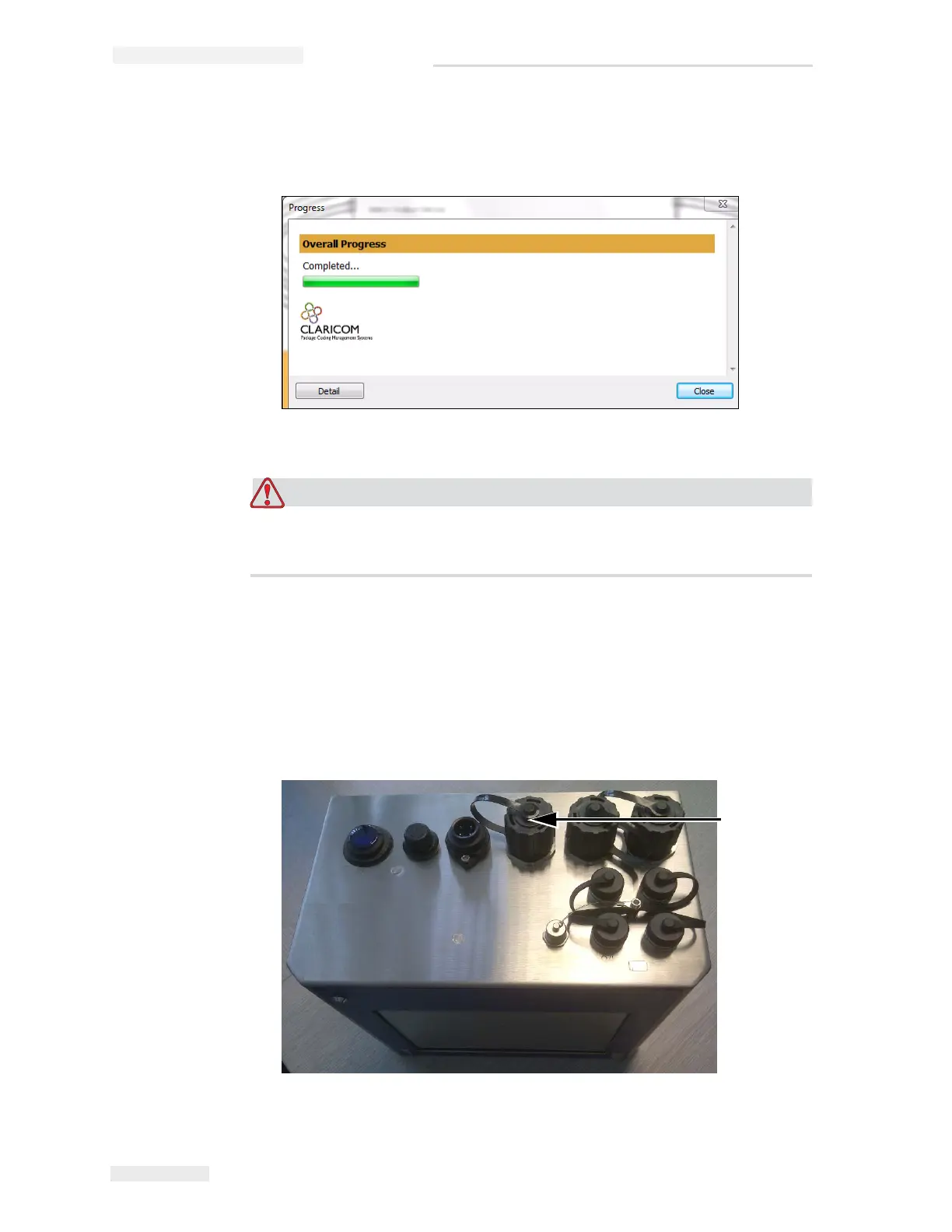
After the files are downloaded, the message shown in Figure 5-28
appears.
Failure to use the Print to File procedure will result in errors and
rotated images.
10 Remove the USB Memory stick from the PC.
Connecting the USB Database
11 Insert the USB memory device into the USB port of the printer
(see Figure 5-29).
Figure 5-28: Download Complete
Figure 5-29: USB Port
USB
Port



 To Next Page