5-32 How to Stop the Printer Rev AB
Wolke m600 Universal Operator Manual
How to Stop the Printer
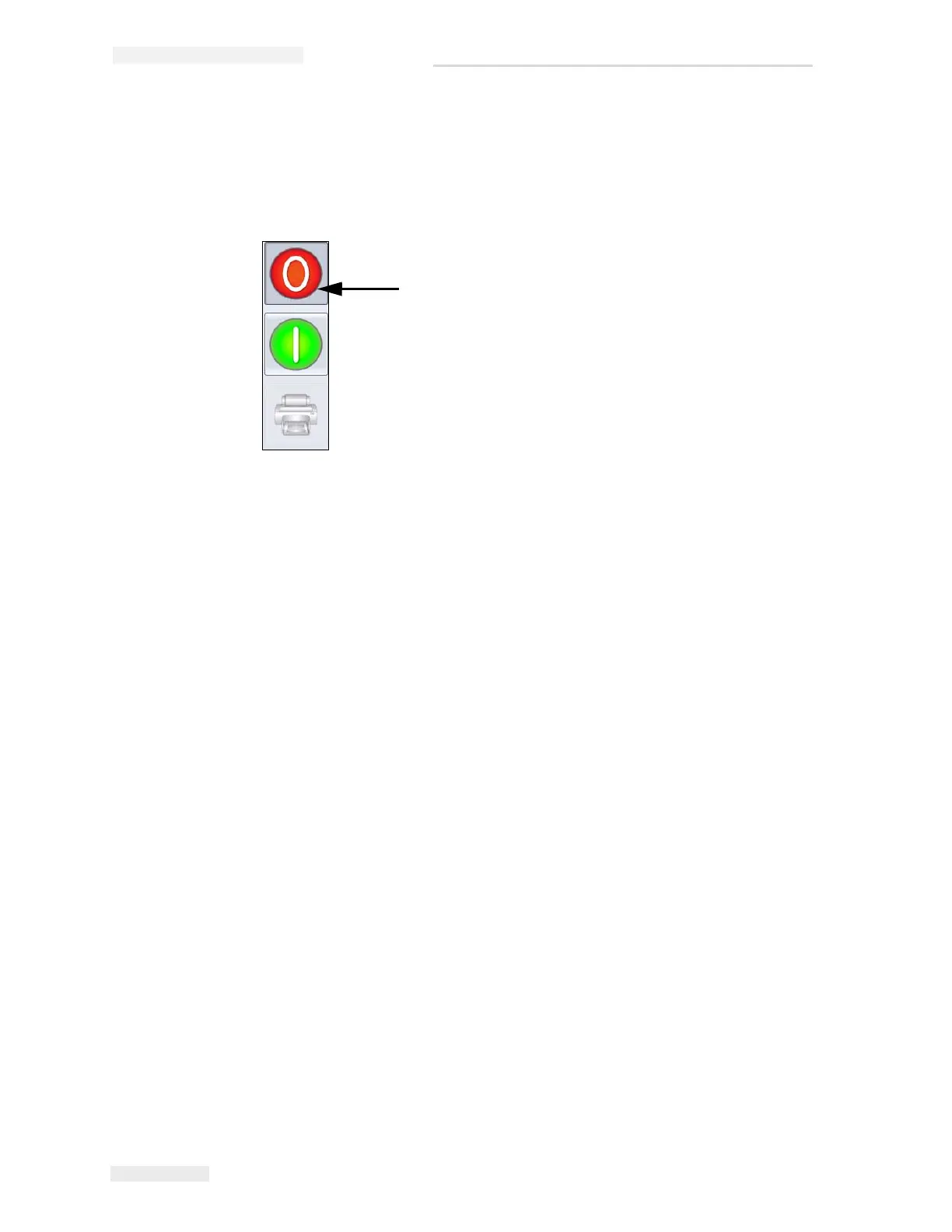
To stop the printer from printing, touch the red Stop button (see Figure 5-
36) or touch the status bar. The printer returns to the OFFLINE state.
Print Screen Saver
The CLARiTY operating system has a screensaver function (similar to that
of a PC), to extend the service life of the LCD display used in CLARiTY.
The screensaver function can be activated or deactivated within CLARiTY
Configuration Manger.
The shut-off time of the screensaver can be adjusted from 5 to 30 minutes.
The default shut-off time has been set to 15 minutes.
Touching anywhere on the screen causes the screensaver of the controller to
be switched on without triggering any other function on the user interface.
The screensaver is also switched ON again whenever data, a warning or an
error message appear.
If passwords have been assigned, an input mask appears upon activation
of the display to query the password for the screensaver.
Stop Button
Figure 5-36: Stop Button



 To Next Page