5-18 How to Setup the Printhead Settings Rev AB
Wolke m600 Universal Operator Manual
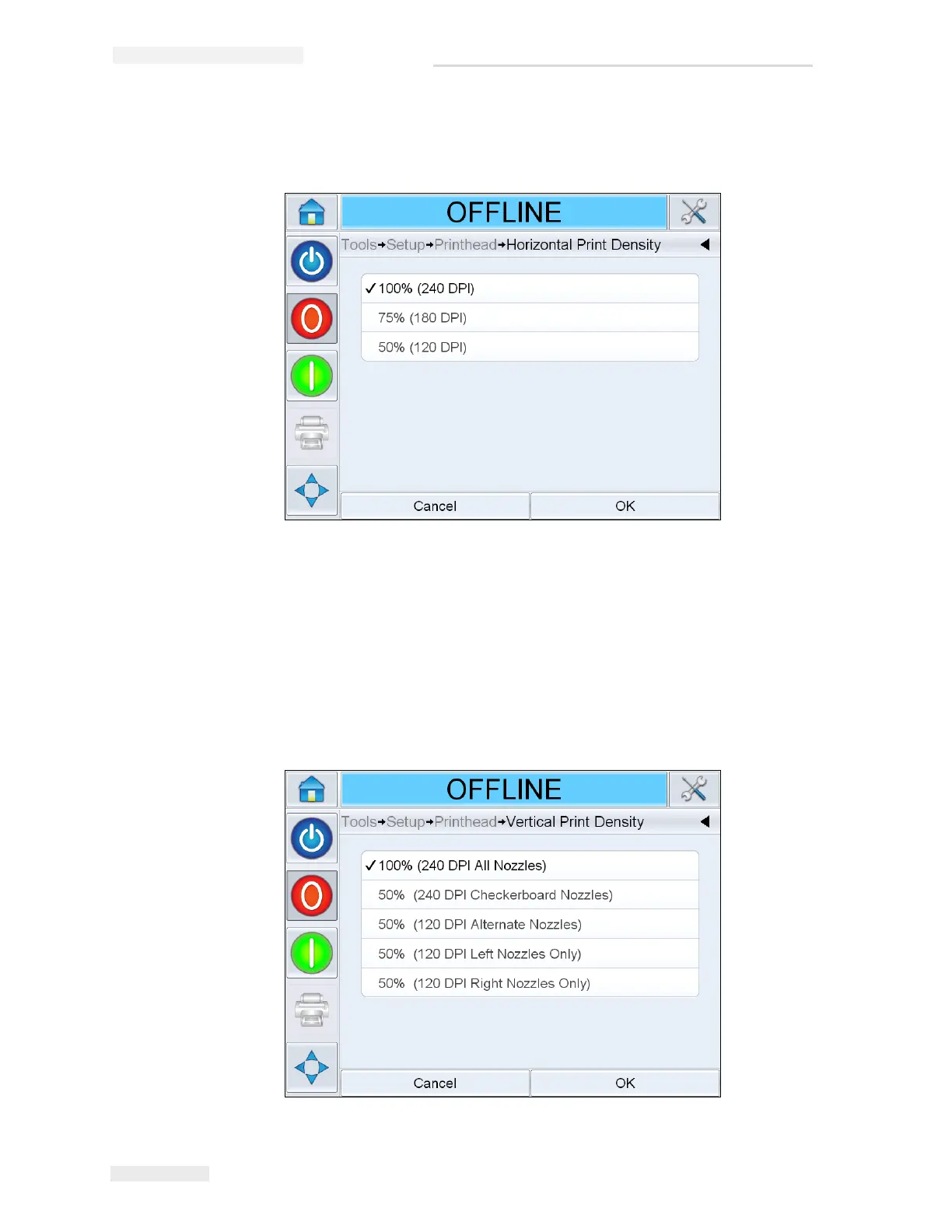
1 Navigate to Tools > Setup > Printhead > Horizontal Print Density. Select
the appropriate print density value and touch OK to confirm.
Vertical Resolution
Vertical Resolution (Print Density) has no effect on the maximum line
speed of the printer but can be used as a method of reducing the amount
of ink used for printing.
2 Navigate to Tools > Setup > Printhead > Vertical Print Density. Select the
appropriate print density value and touch OK to confirm.
Figure 5-20: Horizontal Print Density Page
Figure 5-21: Vertical Print Density Page


 To Next Page
 Loading...
