18
ඝ Mode Setup
LCD Screen is changed in order of VIDEO 㲯 METER 㲯 PTZ 㲯 UTP
whenever key is pressed once.
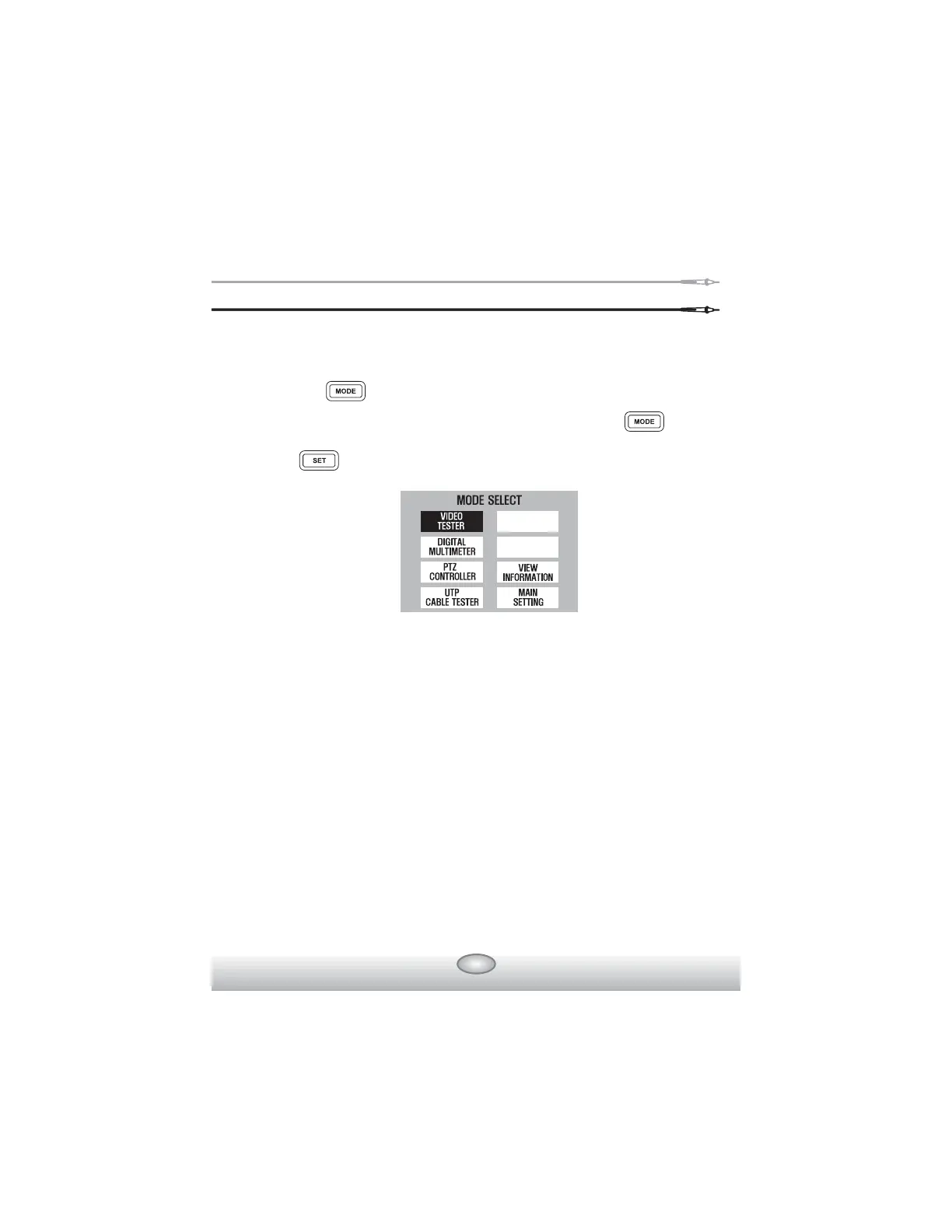
MODE SELECT window displays on LCD screen when key is
pressed more than 3 sec.
Press key after selecting the mode you want, using the shift setup
key.
Video Tester Mode :
At this mode, the image quality of the external input picture signal is
tested, or the monitor, etc. is tested by using the picture signal that is
output from PATTERN GENERATOR mode.
Digital Multimeter mode :
At this mode, voltage, current, & continuity are tested.
PTZ Controller mode :
At this mode, the basic movement of up, down, right, left for PTZ is made,
and zooming & manual focus are adjusted.
UTP Cable Tester mode :
UTP cable, direct & cross cable, disconnection, and short circuit are
tested.



 To Next Page