4. Functional Use
35
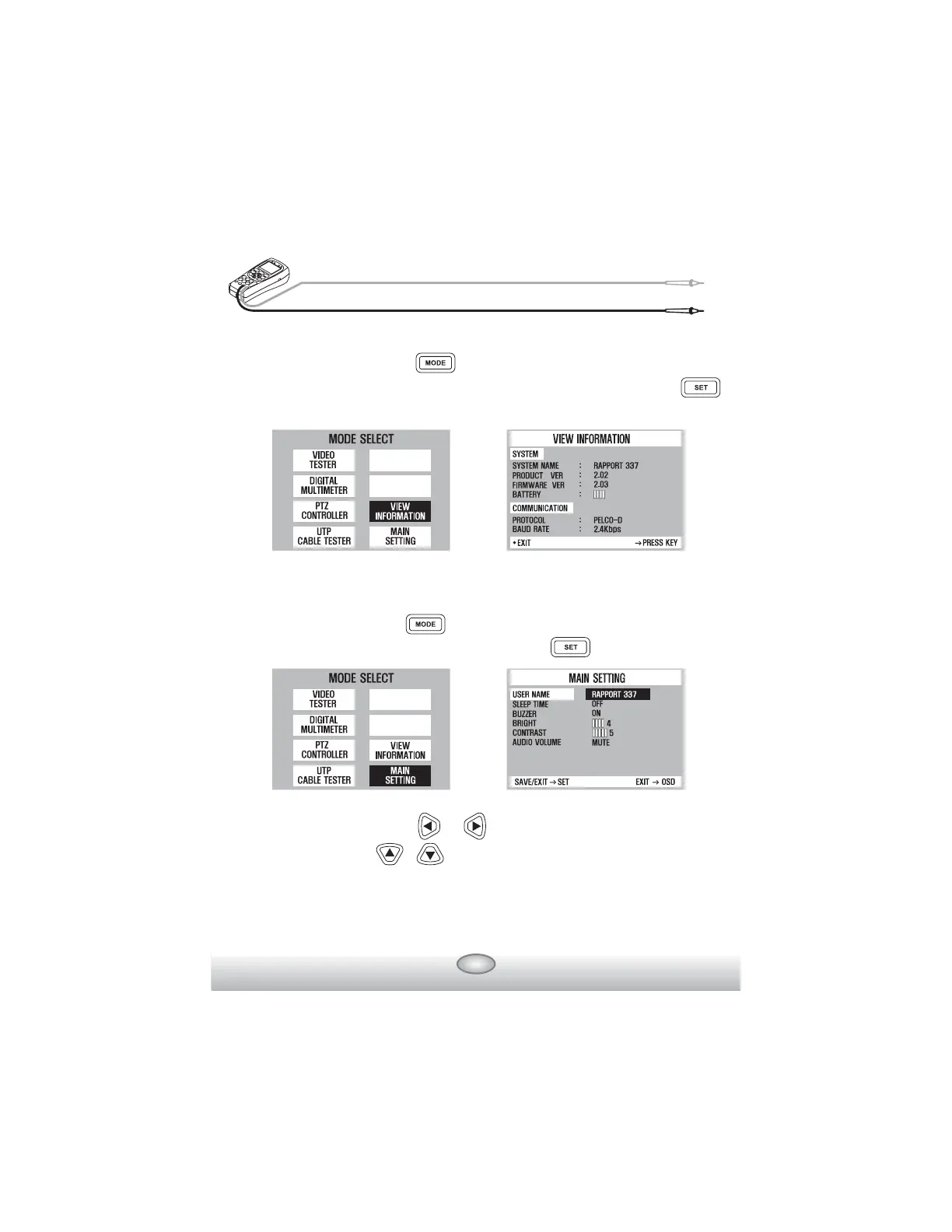
ඝ VIEW INFORMATION
Mode Setup : First, press key more than 3 sec. and select VIEW
INFORMATION on MODE SELECT MENU, then press
key.
ඝ MAIN SETTING
Mode Setup : First, press key more than 3 sec. and select MAIN
SETTING on MODE SELECT MENU, then press key.
Select the item by pressing & keys. The each setup value can be
changed by pressing & keys.
A user can put the name he or she wants at USER NAME by editing.
At SLEEP TIME, power goss OFF automatically, if the button is not
pushed down for a fixed time.
㳕



 To Previous Page