6
Trouble Cause Solution
The dehumidier doesn’t
work
Is the power cord connected? Connect the unit to a power outlet
Is the room temperature over 40°C or below
0°C?
Increase or decrease room tempe-
rature
The dehumidier stops operating when the
set humidity is 5% higher than the ambient
humidity
To save energy, set the humidity level
higher
The unit doesn’t start Is the lter blocked? Clean the lter
Is the air inlet or air outlet jammed? Clear the blockage
No air inlet Is the lter blocked? Clean the lter
Abnormal noise Is the unit inclined? Move the unit to a at and solid
ground
Is the lter blocked? Clean the lter
The green and red lights
ashing.
When the temperature sensor is damaged the
buzzer sounds 10 times and the compressor
will stop after running 30 minutes, then defrost
for 15 minutes and so on.
Contact your retailer
Maximum working area 570 m
2
Recommended working area 10-315 m
2
Air ow 1000 m
3
/h
Capacity at 20ºC & 70% RH 33 litres
Capacity at 30ºC & 80% RH 88 litres
Power at 20°C & 70% RH 862 W
Power at 30°C & 80% RH 1260 W
Sound level 63 dB
Working interval temperature 0°C to +40°C
Fan speeds 1
Dims, LxWxH 635x500x800 mm
Weight 53 kg
Cooling media R410 A (780 g)
IP rating TBA
Trouble shooting
If you are having trouble with your dehumidier, please refer to below trouble shooting. If nothing of the below works,
please contact your retailer for servicing of your dehumidier.
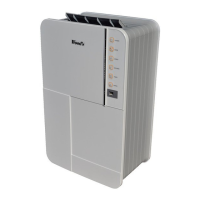
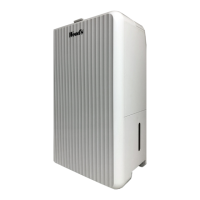
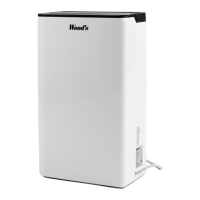
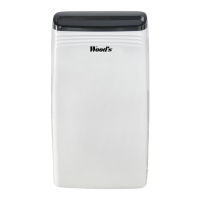
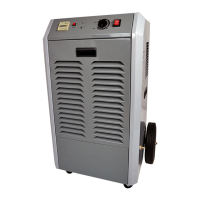
Technical data Wood’s WCD6HGM
English


 To Next Page
 Loading...