EasyManua.ls Logo

Workwell uAttend CB6000 - User Manual

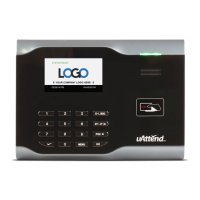
Workwell uAttend CB6000
36 pages
Print Icon
To Next Page IconTo Next Page
Loading...
CB6000/CB6500 Product Manual

Questions and Answers

Summary

Introduction

Create Your Account

Process of creating a uAttend account.

Add Departments and Employees

Adding departments and employees to the system.

RFID Card Registration

Registering RFID cards for employee clock-in.

Activate Your Time Clock

Activating the time clock device.

Creating Your uAttend Account

Adding Departments

Add New Department

Process of adding a new department with code, name, and settings.

Adding Employees

RFID Card Registration

Activating Your Time Clock

Using the Keypad

Using the Menus

Troubleshooting Common Errors

Network and Connectivity Errors

Explains errors related to network connectivity and communication issues.

Login and User Identification Errors

Explains errors related to login failures and user profile issues.

uAttend Safety Information

Workwell uAttend CB6000 Specifications

General IconGeneral
BrandWorkwell
ModeluAttend CB6000
CategoryGPS
LanguageEnglish