13
ACTIVATION VIA LAN
1. Aach a LAN cable to your clock and router,
then plug your clock into a power outlet.
Your clock should be powered on. Select LAN
(opon 2) on your CB5500.
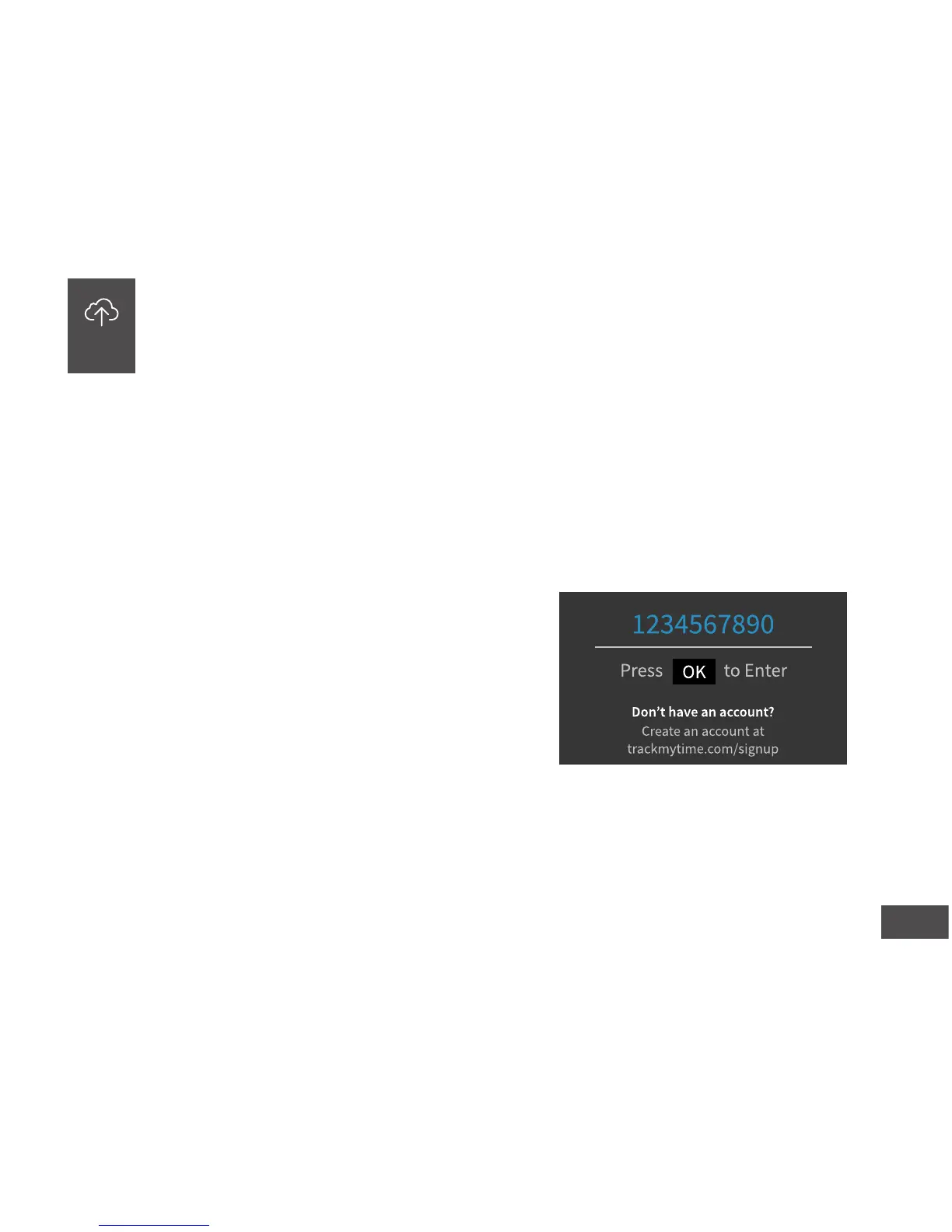
2. Enter your uAend Company ID.
This ID can be found in the upper right corner of
your uAend Web Portal. If you do not have an
account, please set one up, as outlined in step 2.
ACTIVATE YOUR TIME CLOCK
The CB5000 allows you to connect to the Internet via LAN, while the CB5500
allows you to connect via LAN and WiFi. The process of acvang your me
clock via LAN is the same for the CB5000 and CB5500, so they have been
grouped together in this step.
06


 To Next Page