12
REPLACING THE ROTORS
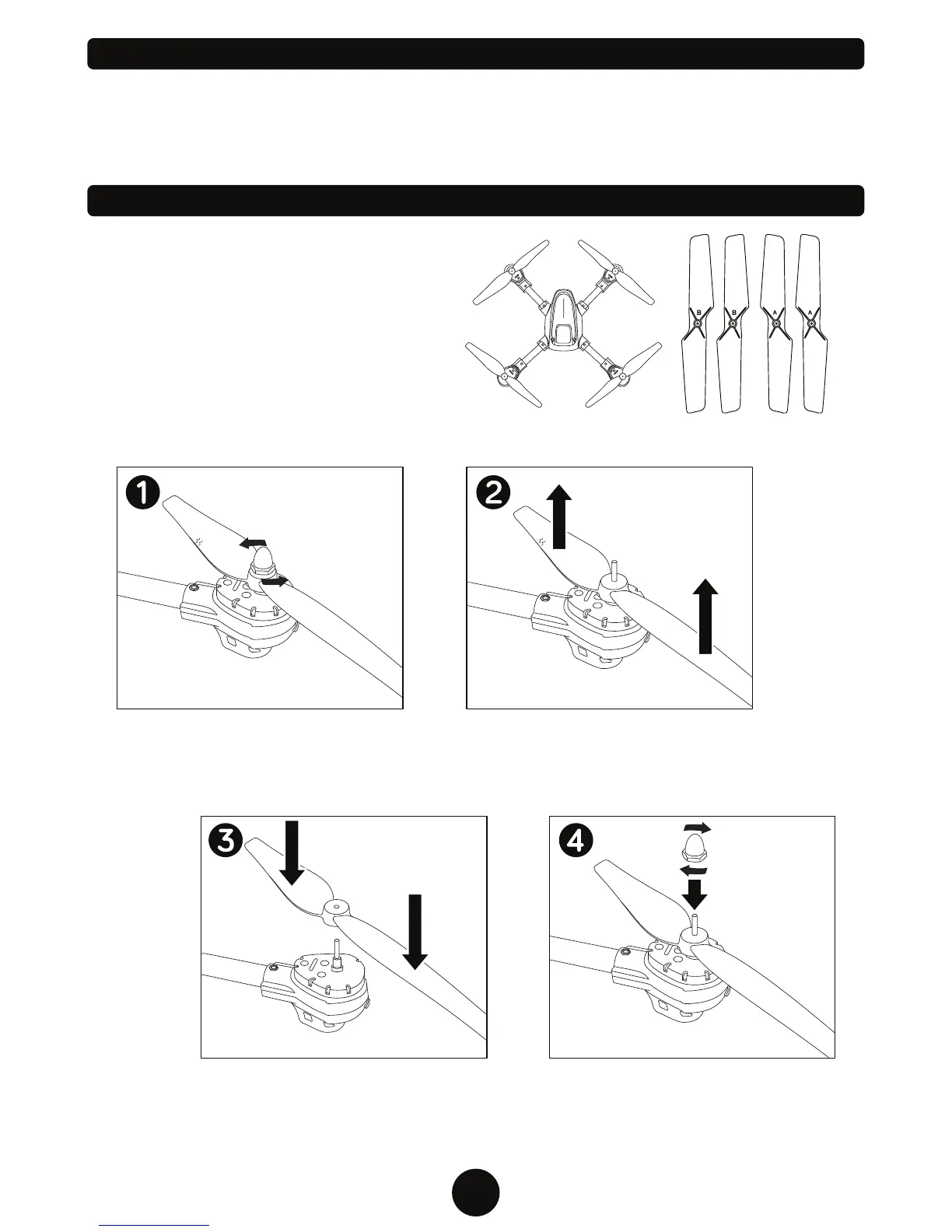
The rotors may become damaged during a
collision. The drone comes with 4 spare rotors.
Please replace damaged rotors immediately.
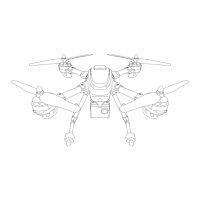
The drone comes with 2 A rotors and 2 B rotors.
The A and B rotors must be installed on specific
locations on the drone for it to fly properly. Check
the bottom of each rotor to see if it’s labeled
either A or B. Use the illustration to the right to
install them in the correct location.
FRONT
BACK
Remove the decorative cap on the
propeller by turning in a counter-
clockwise motion.
Remove the damaged rotor by lifting
upward. Be sure not to misplace the
cap.
Place the correct A or B rotor on top of
the peg.
Replace the cap on the rotor. Repeat
the process for any other rotors that
need replacing.
POST FLIGHT
After you are done flying the drone make sure the battery pack is disconnected and the transmitter
power is turned off. If you are not going to use the drone for a long period of time, please remove the AA
batteries from the transmitter to prevent them from draining or leaking.
A
B
B
A


 To Next Page