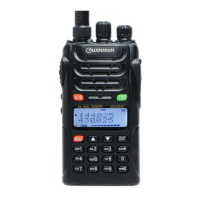
Need help?
Do you have a question about the Wouxun KG-UVD1 and is the answer not in the manual?
Explains compliance with national/international RF exposure standards.
Guidelines for optimal performance and RF exposure limit compliance.
FCC compliance details regarding interference and proper usage.
Declaration of Conformity with EU directives and address for DOC.
Guidance for initial setup and basic operation.
Lists the supported frequency ranges for different regions.
How to set the frequency step for radio operation.
How to adjust the squelch level for signal reception.
How to enable and adjust the VOX function for voice-activated transmission.
How to configure and use side key 1 for scan, lamp, SOS, and radio functions.
How to store frequencies and parameters into memory channels.
How to perform VFO or All Messages reset.
How to configure and use side key 1 for scan, lamp, SOS, and radio functions.
How to configure the transceiver to work with repeaters.
Solutions for the transceiver not powering on or having no power.
 General
| Brand | Wouxun |
|---|---|
| Model | KG-UVD1 |
| Category | Two-Way Radio |
| Language | English |

 To Next Page