Need help?
Do you have a question about the Wouxun KG-UVD1P and is the answer not in the manual?
Do not use the transceiver in explosive places like gas or dust environments.
Turn off the transceiver while refueling or parked at a gas station.
Information on national and international standards for human exposure to radio frequency energy.
Guidelines for optimal performance and compliance with RF energy exposure limits.
Proper placement of the radio when worn on the body using approved accessories.
Use of approved antennas and batteries to comply with FCC RF exposure guidelines.
Information on how to find the list of approved accessories for the transceiver.
Prohibitions on unlicensed radio transmitters and penalties for illegal operation.
Awareness of hazards in explosive environments and turning off the transceiver.
Equipment tested for FCC part 90 compliance, potential for RF interference.
Requirement for proper licensing prior to operating the radio and dealer assistance.
Precautions on modification, sunlight, heat, dust, and unstable surfaces.
Importance of operator awareness of common hazards associated with radio operation.
Declaration of compliance with essential requirements of R&TTE directive 1999/5/EC.
Identifying all included items by checking against the provided table.
Explanation of various indicators displayed on the LCD screen when powering on.
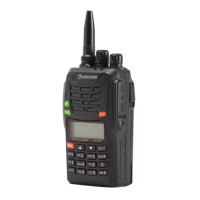
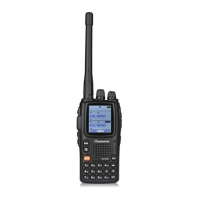
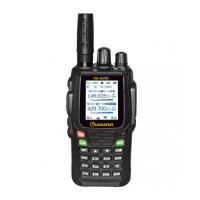
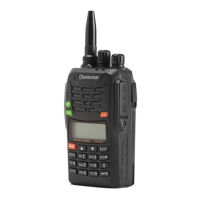
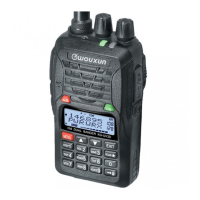
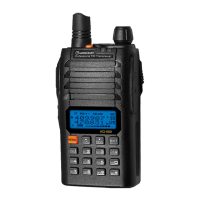
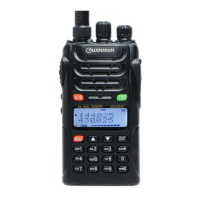
Identification of key components and controls of the Owouxun transceiver.
How to use quick search and switch between single/dual band modes.
Steps to resume the transceiver and how to use the A/B switch for frequency selection.
Procedure to set the frequency step for the transceiver.
How to adjust the squelch level to filter unwanted signals.
Configuring voice prompts and setting transmitting overtime alarms.
Enabling beep prompts and customizing the power-on message.
Procedure to lock the menu to prevent frequent operation changes.
Storing desired frequencies and parameters into a specific channel.
Procedure to set the frequency step for the transceiver.
Adjusting the squelch level to filter unwanted signals.
Enabling receiver circuit cut-off to reduce battery consumption.
Configuring high or low transmitting power levels.
Enabling voice-activated transmission and adjusting its sensitivity.
Selecting between wide (25KHz) and narrow (12.5KHz) bandwidth.
Enabling beep prompts for confirmation, error status, or faulty condition reminders.
Customizing the display message shown when the transceiver powers on.
Setting CTCSS codes for receiving to avoid unwanted calls.
Setting CTCSS codes for transmitting.
Selecting between Time, Carrier, and Stop scan modes.
Configuring side key 1 for scan, lamp, SOS, or FM radio functions.
Using the SOS function for emergency signaling with visual and audible alerts.
Turning on, tuning, and storing radio stations using the FM radio feature.
Selecting between frequency mode and channel mode.
Configuring the automatic activation of the backlight for improved visibility.
Defining the difference between transmitting and receiving frequencies.
Configuring the direction of frequency shift (plus/minus) or disabling it.
Using the built-in stopwatch timer for timing operations.
Editing channel names with alphanumeric characters and length limits.
Storing desired frequencies and parameters into a specific channel.
Removing a selected channel from the transceiver's memory.
Resetting functional parameters to factory settings (VFO or ALL).
Scanning for CTCSS/DCS frequencies and stopping at matching signals.
Activating DTMF manual transmission and monitoring DTMF tones.
Configuring ANI ID code transmission and DTMF sidetone.
Monitoring a preferred frequency while scanning other channels.
Alerts for low battery voltage and exceeding transmitting time limits.
Cloning settings and data between two transceivers using a wire-clone cable.
Configuring the transceiver to work with repeaters in frequency or channel mode.
Instructions for using the intelligent charger and battery charging indicators.
Steps for downloading, installing, and using the programming software.
Troubleshooting common issues like power, battery life, sound, and keyboard problems.
A table listing CTCSS frequencies and their corresponding codes.
A table listing DCS codes and their corresponding values.
Key technical specifications including frequency range, power, and dimensions.
Compliance statement with R&TTE directive and CE mark requirements.
Details of the national model approval certification and technical parameters.
 General
| Channels | 128 |
|---|---|
| Output Power | 5W |
| Modulation | FM |
| Battery Capacity | 1300mAh |
| Operating Voltage | 7.4V DC |
| Channel Spacing | 25 kHz/12.5 kHz |
| Display | LCD |
| Waterproof | No |
| Antenna Impedance | 50 ohms |
| Weight | 250 g (with battery & antenna) |

 To Next Page