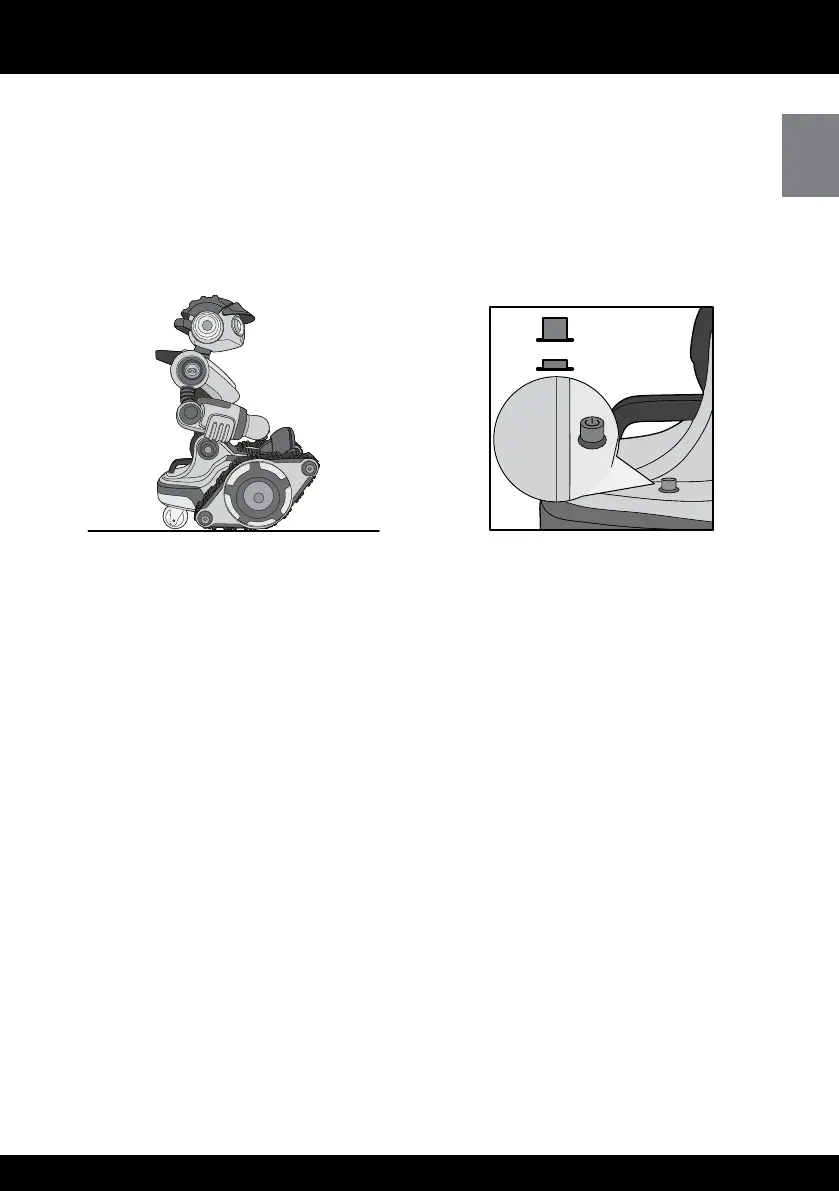
After you have inserted batteries you are ready to meet Roborover!
First place him upright, on a large smooth, at surface, away from edges and obstacles
Next, locate the power button on the base of his body on the right side, and then
press it to turn him ON
He will begin one of his many start-up routines as he introduces himself! He will rove
around, speak and his face will be animated If you want to stop him at any time, press
any button on the remote controller
Demo mode
Roborover has three demo routines to show his movements, animations and
personality! He will also tell you more about his features and even joke with you
To access these functions, point the remote controller at Roborover and press the Demo button
NOTE: Roborover moves around during any demo routine Ensure his surrounding area
is free from obstacles and edges
Volume control
Roborover has three volume levels: high, medium or low To change the volume, press
and hold the Stop button for about two seconds You will hear when his volume has
lowered If you continue to hold the Stop button the volume will set to low and then
back to high
OFF
ON















 To Next Page