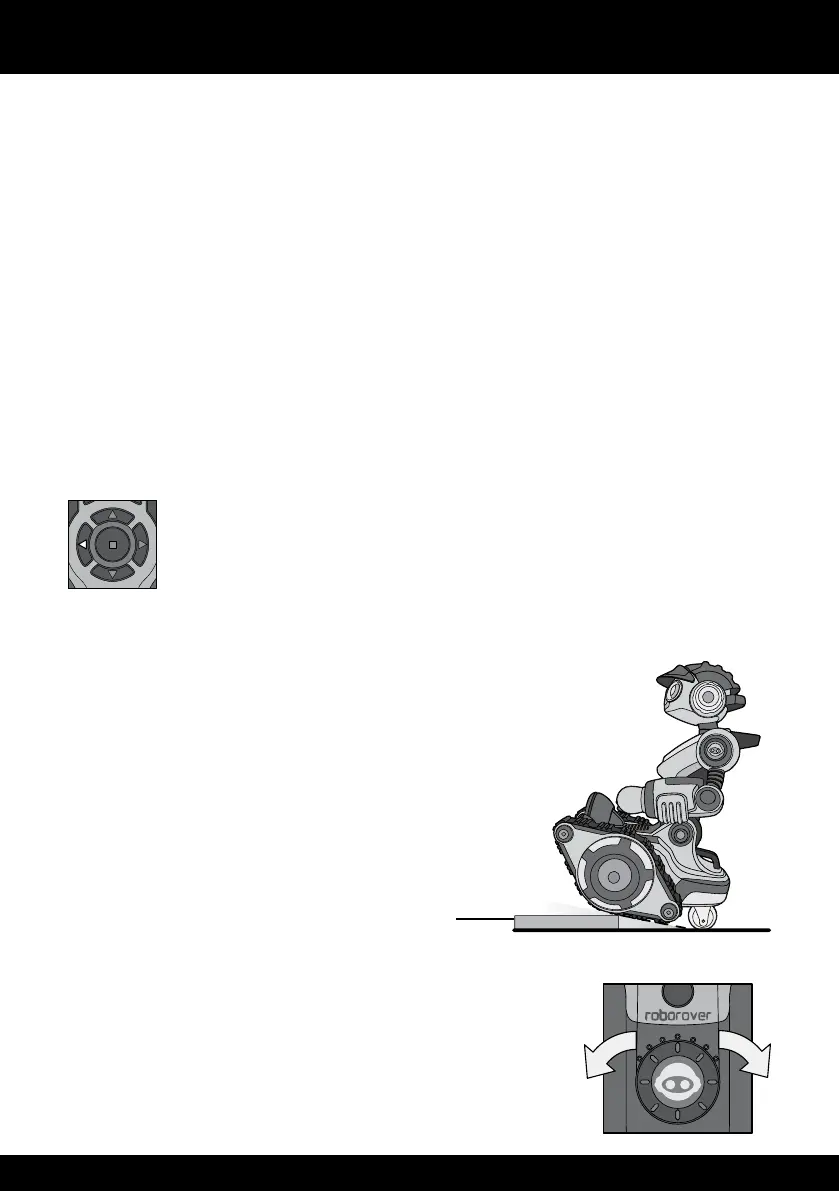
Roborover has tread-based wheels which let him move easily in any direction, turn,
and even spin on the spot Roborover also detects signals from the remote controller
regardless of the direction he is facing
Location
You can operate Roborover indoors but not outdoors He is capable of driving over
small obstacles, but be sure not to damage Roborover in trying to do so
Driving control
As he drives around, Roborover can detect and avoid obstacles in his range This is
approximately 8-12” (20-30cm) He can only see obstacles that are directly in front of
him, or behind him He talks and makes comments as he goes!
To control his movements, you can use the direction pad on the remote
controller For example, press the left direction button, to move Roborover
to his left
To make him turn on the spot, use either the left or right direction buttons for either
clockwise, or counter-clockwise turns
He can also drive over small obstacles no higher than
a 10-15° gradient, or about 1 inch (25cm) high
Be careful that the obstacles do not unbalance him,
or he might fall to one side
Adjusting the trim
If Roborover does not drive forward straight, you can adjust
the trim up to three stops, using the trim dial on the remote
controller If he drives to the left, move the dial to the right
If he drives to the right, move the dial to the left
Trim dial
10-15˚ or no higher than about 1” (2.5cm)















 To Next Page